> ## Documentation Index
> Fetch the complete documentation index at: https://docs.time2.bike/llms.txt
> Use this file to discover all available pages before exploring further.
# Privacy & data
> Export your data or delete your account.
Find these tools at `time2.bike/account/settings/privacy`.
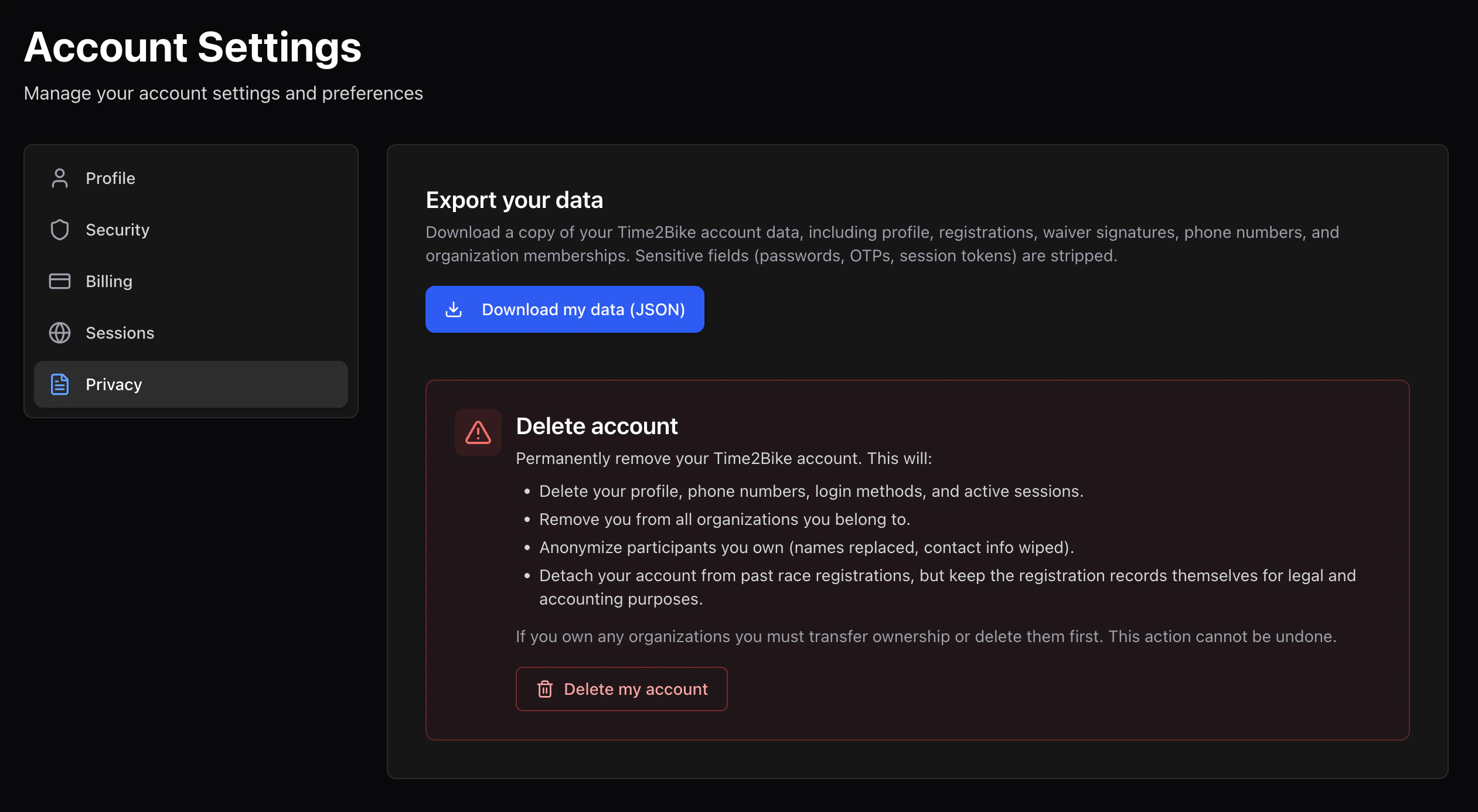 ## Export your data
Click **Download my data** to get a JSON export of everything Time2Bike
has stored about you:
* Account profile
* Participant profiles you own
* Registrations
* Orders
* Waivers you've signed (with content hashes)
* Results
The file downloads as `time2bike-data-[date].json`. It's a complete
snapshot at the moment of export.
## Delete your account
Deleting your account:
* **Permanently removes** your account profile, participant profiles you
own, login sessions, MFA devices, and stored payment methods.
* **Anonymizes** past results — your name is removed from public results
pages, but the entries themselves stay (we can't remove someone from
an official archived result).
* **Cancels** any pending registrations you haven't started. Already-paid
registrations are not auto-refunded; contact the organizer.
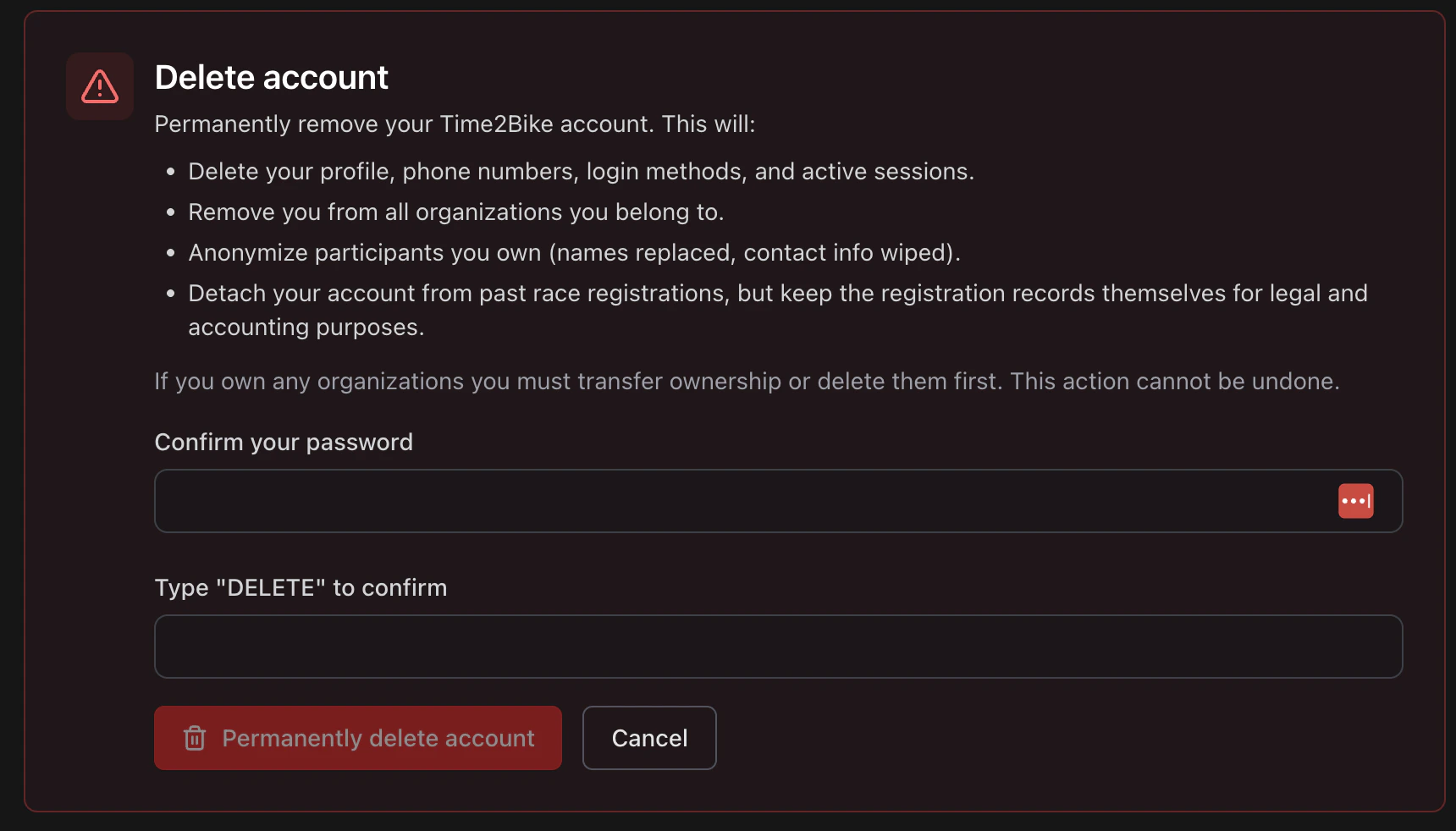
Open the delete dialog.
Enter the literal word `DELETE` in the confirmation box.
Required to prove it's really you.
Time2Bike processes the deletion and signs you out.
## Export your data
Click **Download my data** to get a JSON export of everything Time2Bike
has stored about you:
* Account profile
* Participant profiles you own
* Registrations
* Orders
* Waivers you've signed (with content hashes)
* Results
The file downloads as `time2bike-data-[date].json`. It's a complete
snapshot at the moment of export.
## Delete your account
Deleting your account:
* **Permanently removes** your account profile, participant profiles you
own, login sessions, MFA devices, and stored payment methods.
* **Anonymizes** past results — your name is removed from public results
pages, but the entries themselves stay (we can't remove someone from
an official archived result).
* **Cancels** any pending registrations you haven't started. Already-paid
registrations are not auto-refunded; contact the organizer.
Open the delete dialog.
Enter the literal word `DELETE` in the confirmation box.
Required to prove it's really you.
Time2Bike processes the deletion and signs you out.
 Deletion is irreversible — sign out and back in first if you just want
to clear sessions.
Deletion is irreversible — sign out and back in first if you just want
to clear sessions.