> ## Documentation Index
> Fetch the complete documentation index at: https://docs.time2.bike/llms.txt
> Use this file to discover all available pages before exploring further.
# Waivers
> Sign required waivers for yourself and other participants.
Step 2 of registration is signing waivers. Every race on Time2Bike has at
least one waiver attached — typically the organizer's liability waiver, a
venue waiver, or a series-wide waiver.
 ## How signing works
For each participant and each waiver:
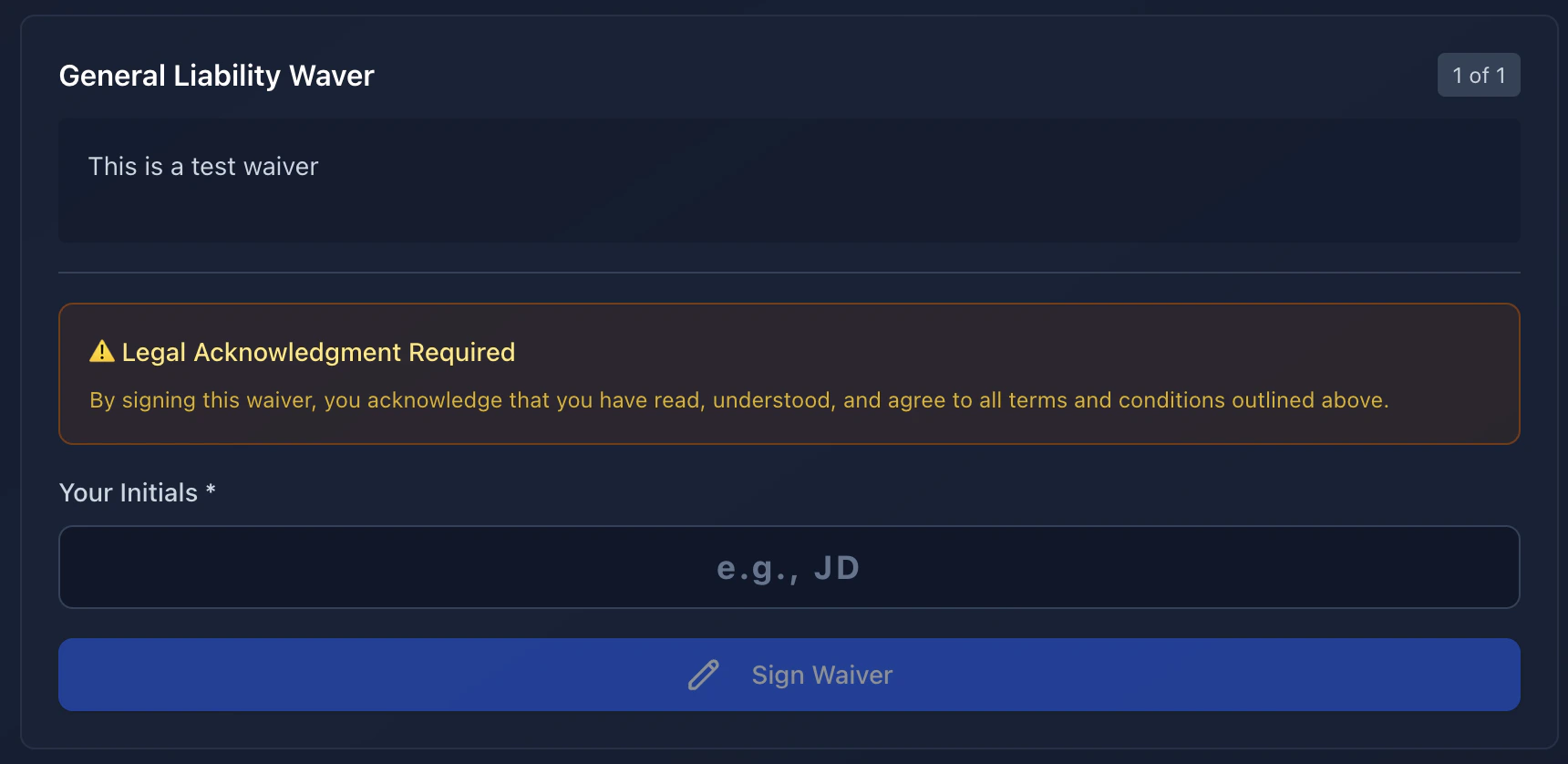
The full text is visible on the page. Scroll through it.
Type your initials in the box. Time2Bike records:
* **Initials** you typed
* **Timestamp** of signing
* **Hash of the waiver content** so the organizer can prove what you
signed even if the waiver text changes later
* The **waiver version** in effect at signing time
The waiver flips to a green ✓ Signed state.
You can't continue to the next step until every required waiver is signed
for every participant.
## How signing works
For each participant and each waiver:
The full text is visible on the page. Scroll through it.
Type your initials in the box. Time2Bike records:
* **Initials** you typed
* **Timestamp** of signing
* **Hash of the waiver content** so the organizer can prove what you
signed even if the waiver text changes later
* The **waiver version** in effect at signing time
The waiver flips to a green ✓ Signed state.
You can't continue to the next step until every required waiver is signed
for every participant.
 ## Signing for someone else
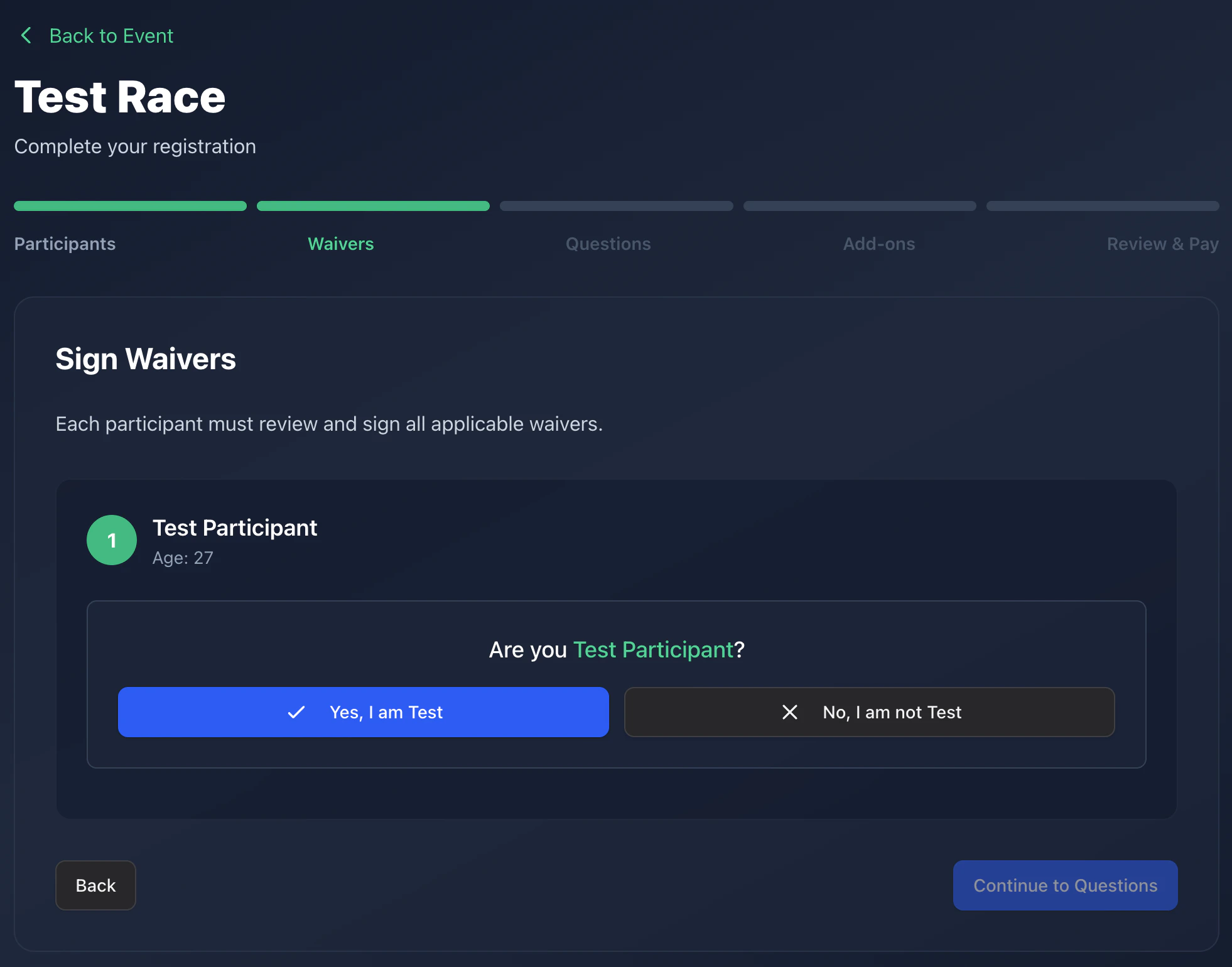
If you're registering a minor or a teammate, you sign on their behalf.
The waiver presents a "Are you the participant?" toggle:
* **Yes** — recorded as the participant signing themselves.
* **No** — recorded as you signing as a parent/guardian or team captain.
Your name (the account holder) is captured as the signer.
If a participant is **invited** (registered by email/phone link), they
sign their own waivers from the
[complete-registration page](/riders/registering/registration-flow#invite),
not you.
## Where to find your signed waivers
After registration, every signed waiver is attached to your registration
record. Organizers can view them in their dashboard. You can re-download
your account data anytime from
[Account → Privacy](/riders/account/privacy).
## Signing for someone else
If you're registering a minor or a teammate, you sign on their behalf.
The waiver presents a "Are you the participant?" toggle:
* **Yes** — recorded as the participant signing themselves.
* **No** — recorded as you signing as a parent/guardian or team captain.
Your name (the account holder) is captured as the signer.
If a participant is **invited** (registered by email/phone link), they
sign their own waivers from the
[complete-registration page](/riders/registering/registration-flow#invite),
not you.
## Where to find your signed waivers
After registration, every signed waiver is attached to your registration
record. Organizers can view them in their dashboard. You can re-download
your account data anytime from
[Account → Privacy](/riders/account/privacy).