

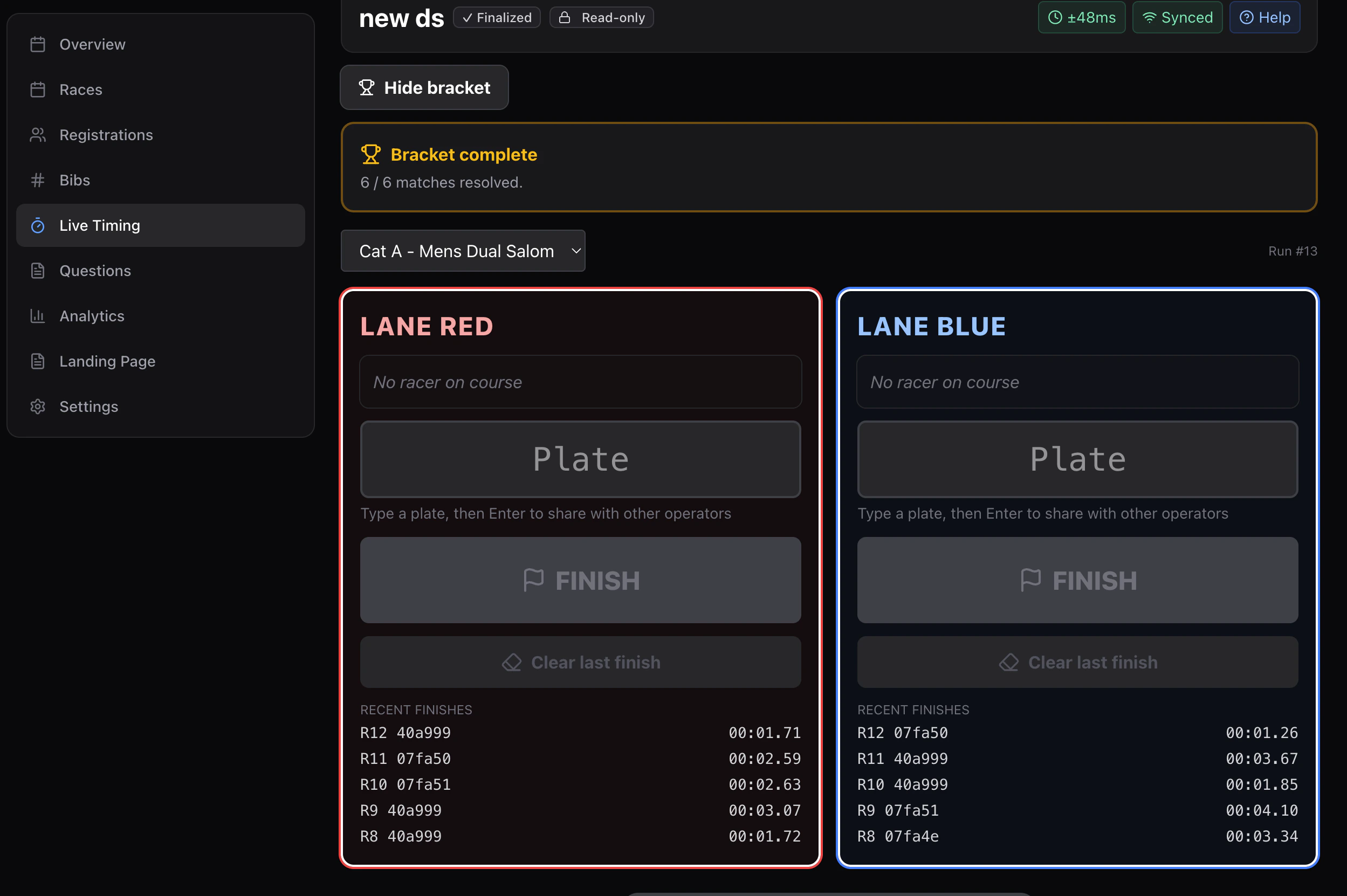
Roles per device
- Starter — top of course.
- Finisher (red) — bottom of the red lane.
- Finisher (blue) — bottom of the blue lane.
- (Optional) Marshal — admin device for status corrections.
Starter flow
The starter screen shows an On deck panel with two plate inputs (red, blue). The starter:- Types the red plate.
- Types the blue plate.
- Presses the big START button when the gate drops.
lane_start event with { run, laneAssignments: [{ lane: 'red', participantId }, { lane: 'blue', participantId }], startTimestamp }.
Finisher flow
The finisher screen is a single giant FINISH button labeled with lane color and live elapsed time. The finisher’s only job is to press FINISH when their lane’s rider crosses. This emitslane_finish with { laneStartId, lane, finishTimestamp }. No participant selection during a run — that already happened at start time.
Self-correct
If the finisher pressed early, they tap CLEAR. This emitslane_clear referencing the previous lane_finish (same clientEventId). The reducer un-resolves that finish; the lane clock is “live” again until the next press.
Matchup view
Tap the trophy icon to see the current bracket match with both lanes side-by-side, current elapsed time, and final time once both lanes have finished. The reducer pairs the two lanes into a “match leg” automatically.Pause semantics
For slalom you usually want frozenClock (set at session create). Pausing the race stops everyone’s elapsed clock — useful when there’s a course hold.Precision
Slalom typically usesdisplayPrecisionMs: 10 (hundredths). Storage stays at 1 ms.