

time2.bike/timing/join?token=… link. No password, no rider account required.
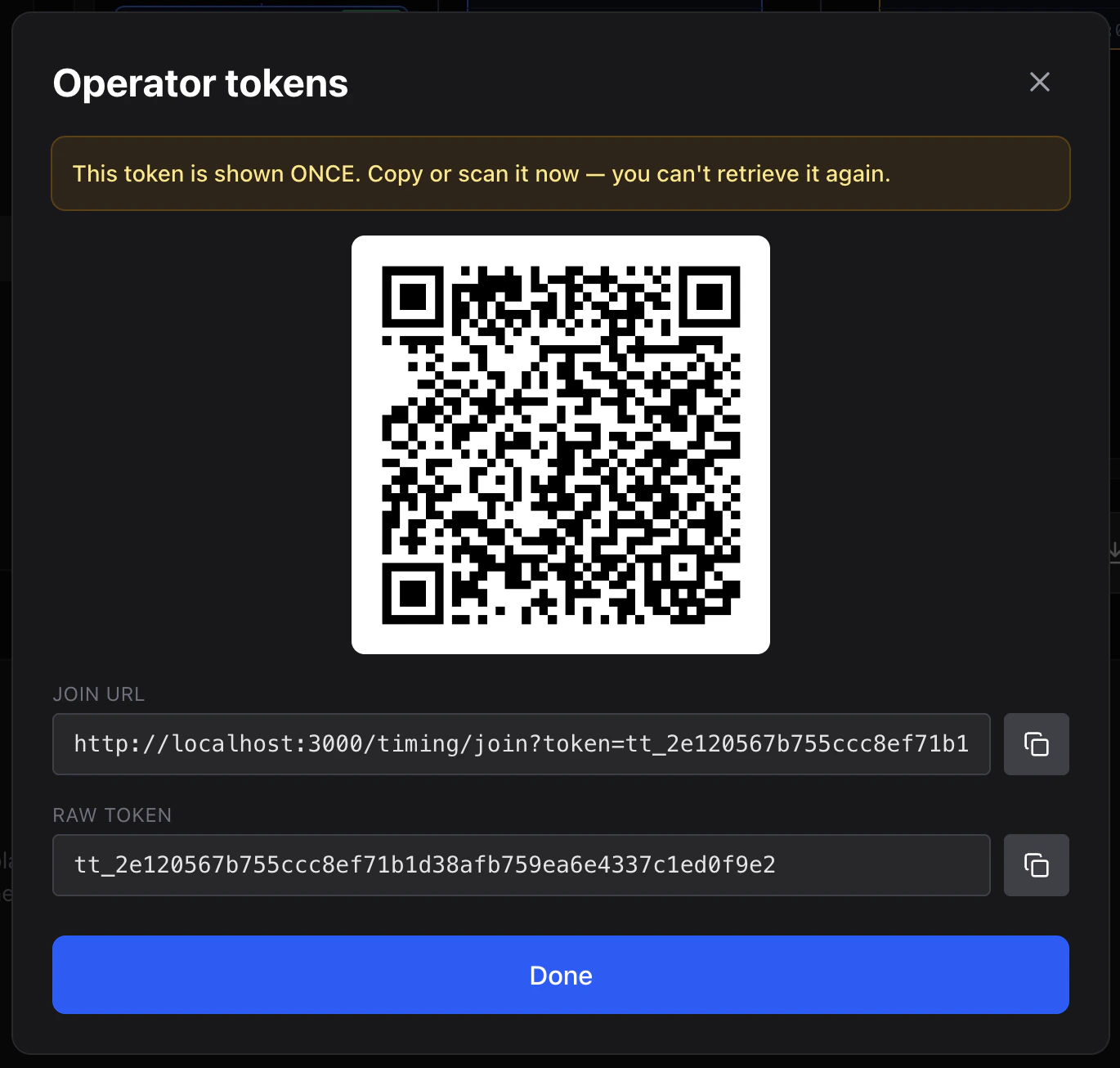
Issue a token
- Open the session as an admin.
- Click Tokens in the toolbar.
- Click Issue new token and fill in:
- Label — for your own reference (“Finish line phone #1”).
- Roles — any combination of
view,timer,marshal,admin,refund(see Roles). - Expires in — number of hours from now.
- Allowed races — optionally restrict the token to specific races within the session.
- Click Create.
Volunteer experience
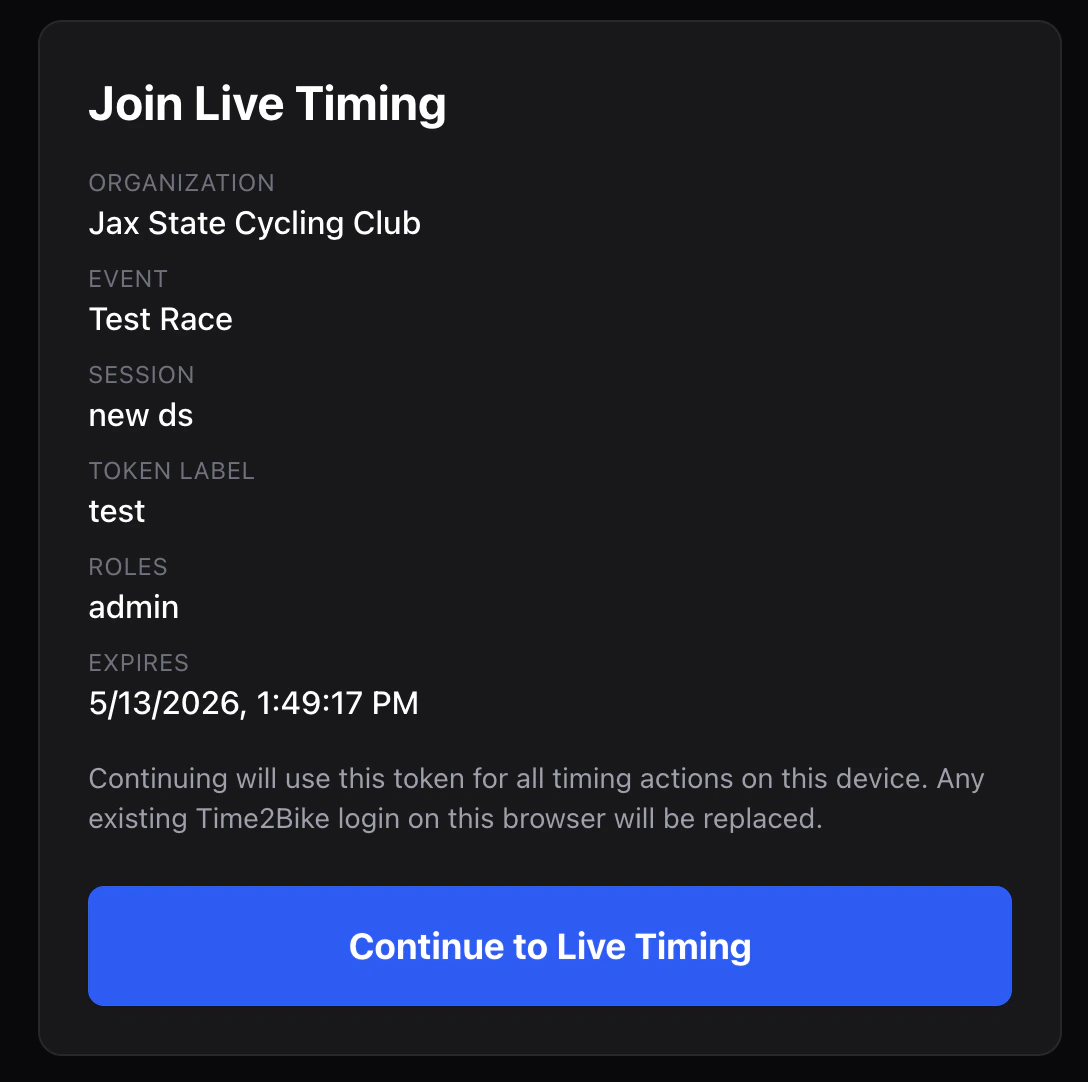
The volunteer opens the QR code on their phone. They land on/timing/join?token=tt_[hex], see a confirmation card with org / event / session / role / expiry, and tap Continue.
The token is stored in the browser’s localStorage; subsequent visits to the operator screen are automatic.
Revoke
In the token list, click Revoke on any active token. The next API call from that token returns “session not found”. Re-issue if needed.What tokens can’t do
Scoped tokens cannot:- Create new sessions (admin org members only).
- Delete a session.
- Issue more tokens (unless the token has
adminrole). - Touch other events in the org.