

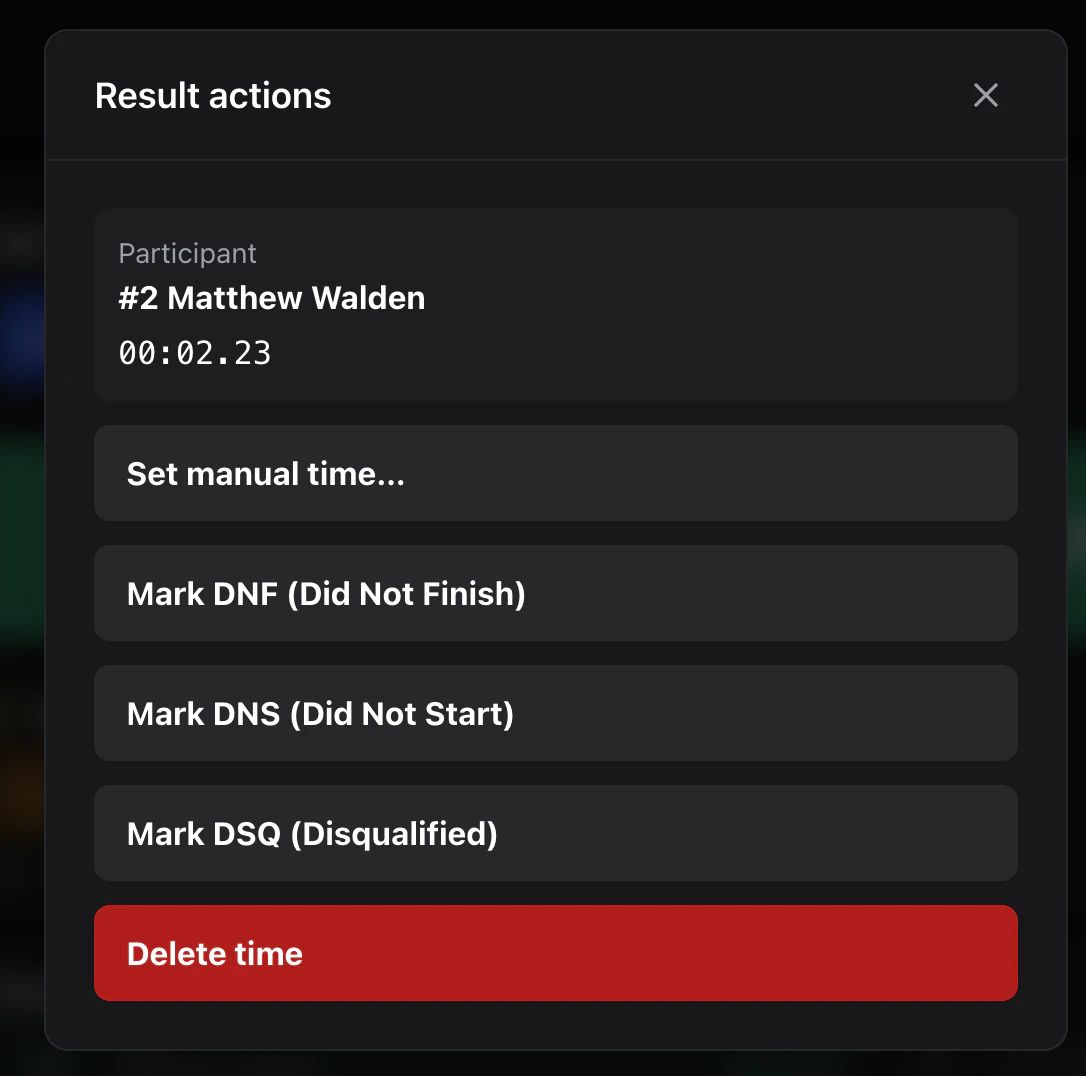
Long-press / right-click menu
On any row in On course or Recent finishes:- Set manual time — overrides the computed elapsed time with a value you type. Requires the
marshalrole. - DNF / DNS / DSQ — emits a
status_changeevent. - Add note — annotates the row; appears in the results review screen.
- Delete — soft-deletes. The original event stays in the log; the row is hidden from results.
- Restore — undoes a delete (if your role allows it).
Common scenarios
Wrong plate
Delete the bad finish, then re-record the correct plate.Two devices recorded the same rider
The result is flaggedduplicate_finish with both clientEventIds as candidates. Open the review screen, pick the canonical event, delete the other.
Forgot to start the clock
If finishes arrived beforerace_start, they show as awaiting start. Hit Race start — the reducer back-fills elapsed times once the start event lands.
Plate input went to the wrong race
Switch race tabs first, then any future Enter goes to the correct race. To move a misrouted finish, delete and re-record under the right race tab.Marshal vs admin
marshalcan edit, status-change, manual-time, and delete finishes.admincan also finalize and publish.- Only org members can override
finalizeonce set (by re-opening a session).