

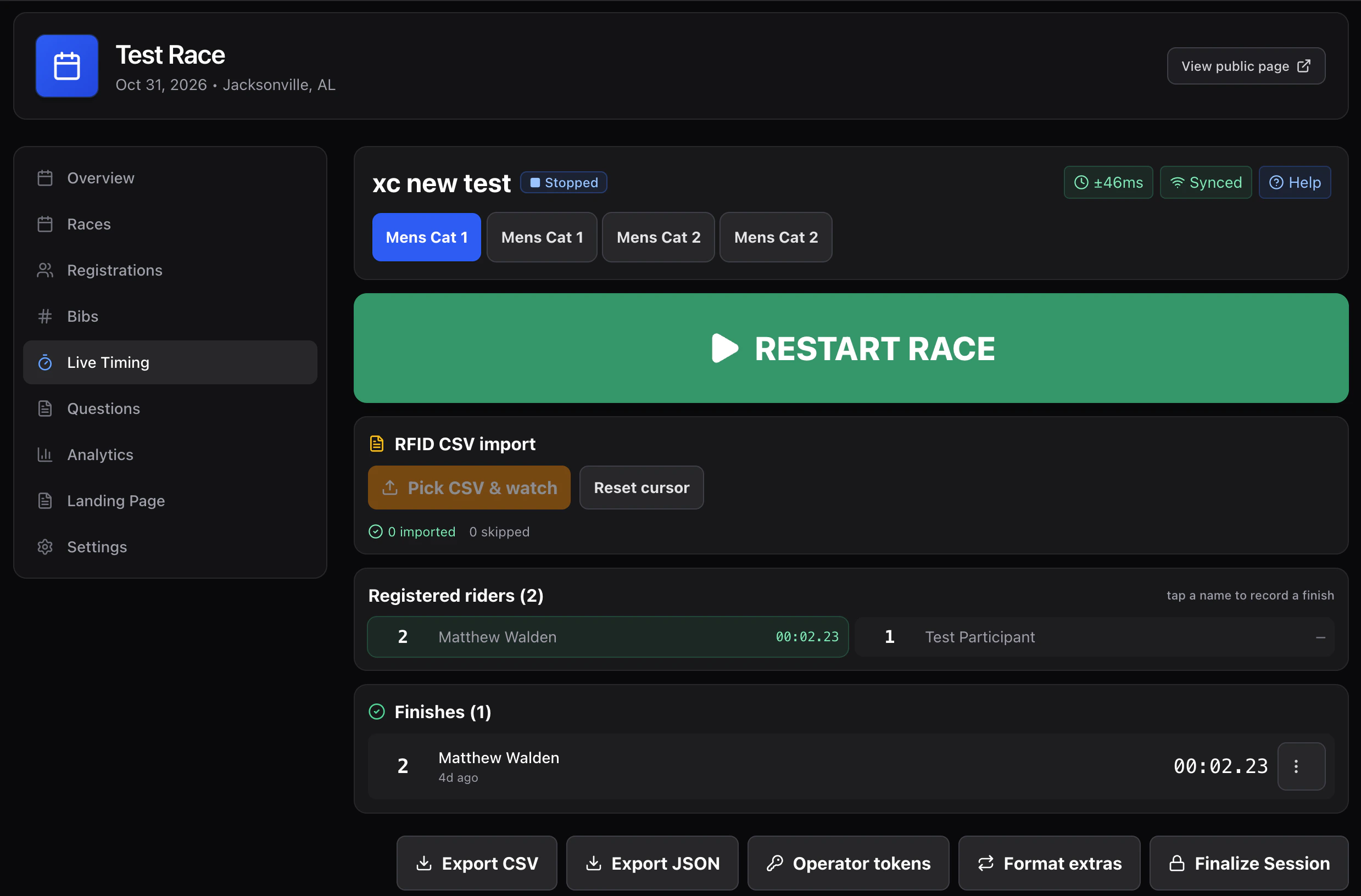
Layout
- Top bar — race tabs, START / PAUSE / RESUME / STOP, sync indicator, clock indicator (
±N ms). - Plate input — giant, sticky-focused number input. Press Enter to record a
finishfor that bib in the active race. - On course — riders who have started but not finished, sorted by elapsed time.
- Registered riders — full roster for the active race; tap a name to finish at “now”.
- Recent finishes — the most recent recorded finishes with elapsed time and status pill.
Workflow
- Pick the right race tab. Plate input always records into the active race.
- Press START on the race when the gun goes off.
- Type a plate → Enter. Repeat as fast as you can.
- For unreadable bibs, tap the rider’s name in Registered riders.
- Long-press / right-click a row to set manual time, DNF, DNS, DSQ, or delete.
Manual time
If you missed a finish and want to enter the elapsed time after the fact:- Long-press the rider → Set manual time.
- Enter
mm:ss.SSS. - The reducer treats this as a
manual_timeevent;finishAtis computed fromstartAt + elapsedMs.
Status changes
DNF / DNS / DSQ are written asstatus_change events. They require the marshal role.