

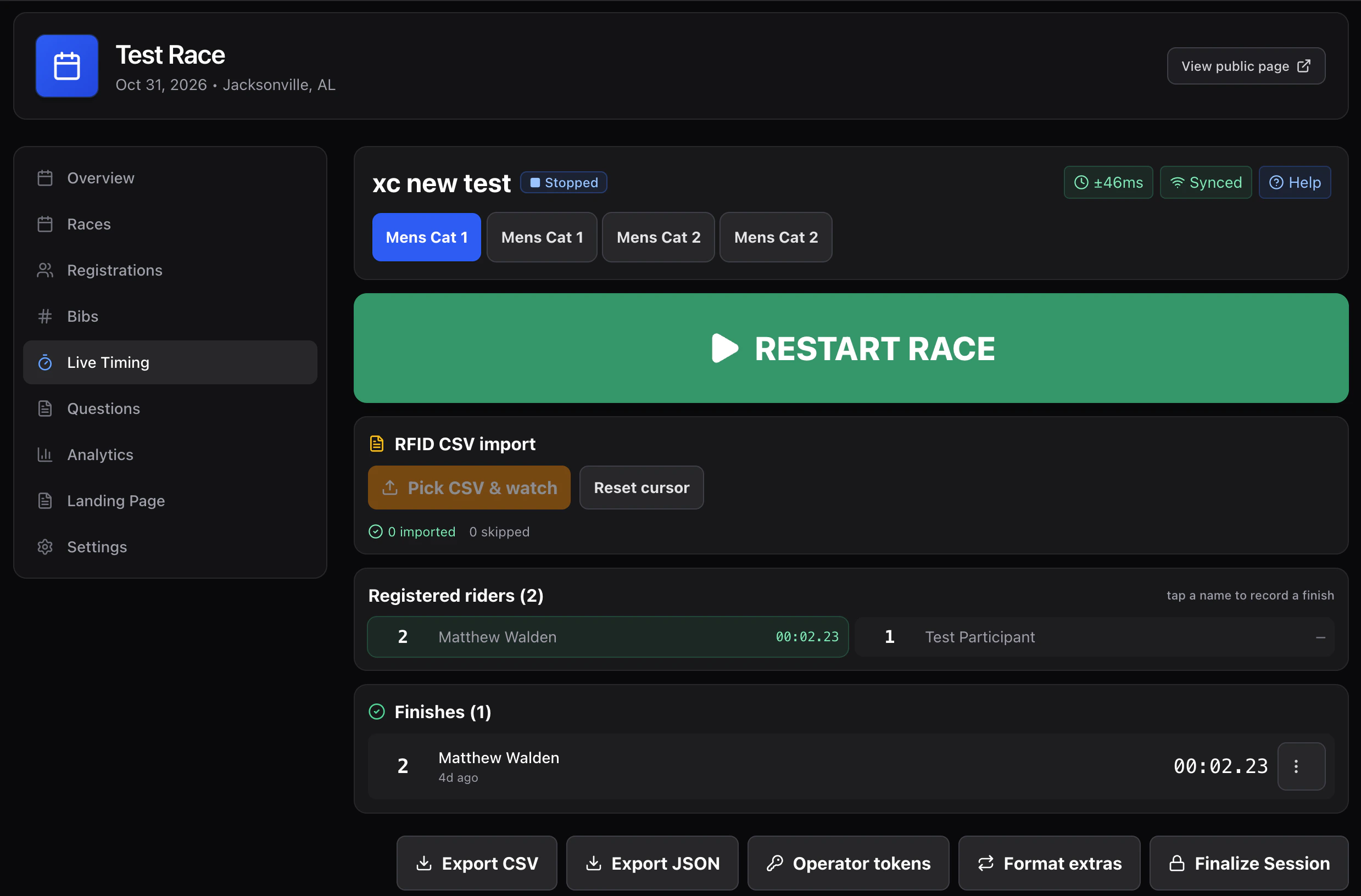
Running one
1
Select the race at the top
The highlighted tab is where your entries go. Check it every time.
2
Press START RACE when the gun goes
The label under the button confirms what’s about to happen — all 47 riders
go on course.Missed the gun? Record finishes anyway — they’ll sit as “awaiting start”.
Then use Set the start time and type when the race actually went, and
every time works itself out from there.
3
Type bibs as riders cross
Bib, Enter, bib, Enter — as fast as riders come in. The clock never waits
for you.Can’t read a number? Tap the rider in Registered riders instead.
4
Press STOP when the race is done
Everything is still editable afterwards.
Speed at the line
Things that matter when riders arrive three abreast:- The input keeps focus. Never click before typing.
- Match chips. Partial numbers surface matching riders — tap instead of finishing the number.
- The digit pad. Big touch targets for gloves and rain.
- UNDO. One tap reverses your last entry. Use it the moment you notice, rather than hunting for the row.
Riders who don’t finish
At the end, On course is your list of riders still unaccounted for. Work down it and mark each one DNF or DNS before you finalize, or they’ll sit in the results with no explanation.Pausing
- Freeze clock — elapsed time stops for everyone. Use it for a real course hold or a red flag.
- Pause entries — the clock keeps running, recording is just held.
Related setups
Next
Corrections
Fixing wrong bibs, missed finishes, and duplicates.