

Running a whole slalom event — qualifying several categories together, seeding
the brackets, publishing? Start with
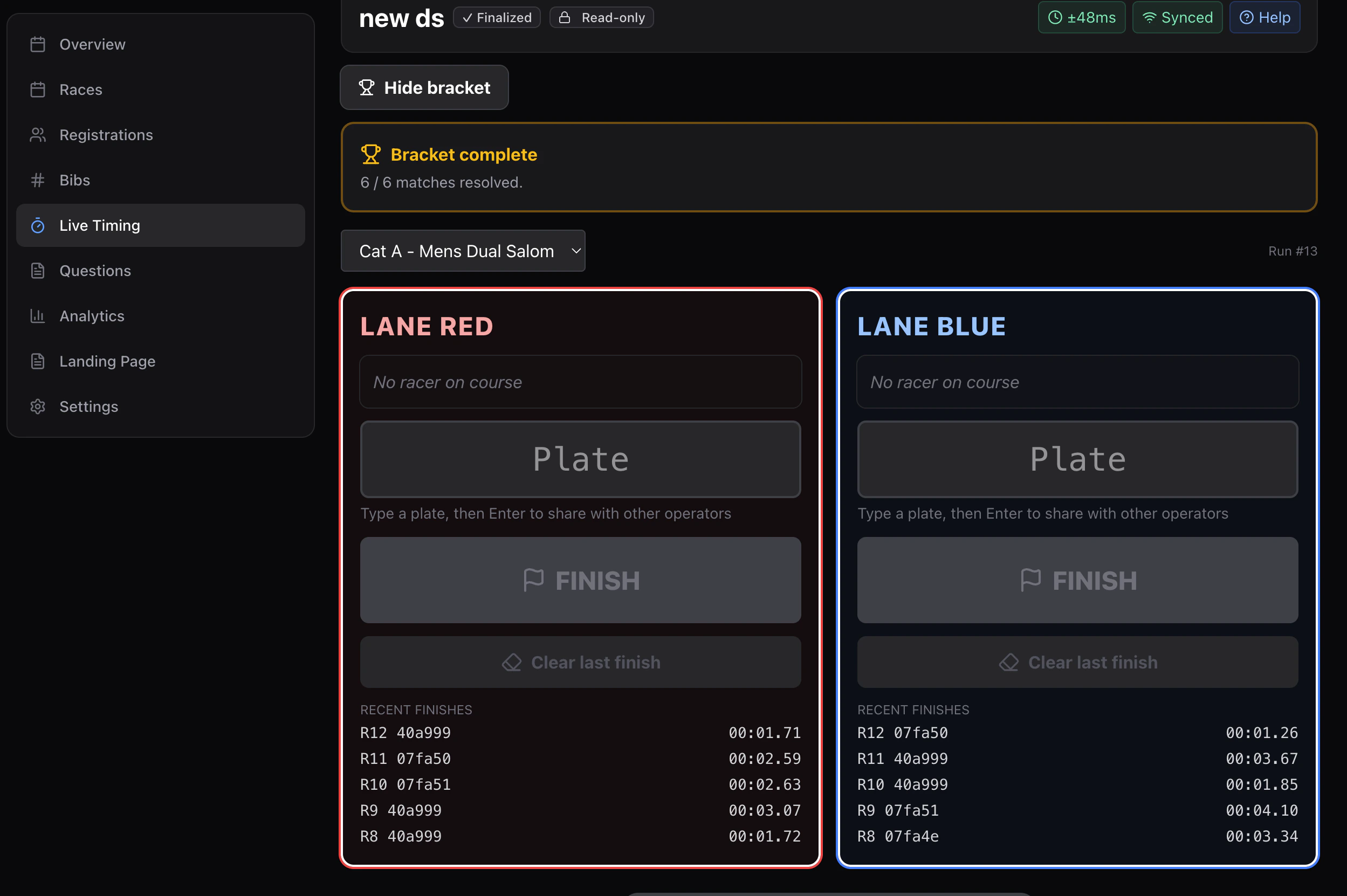
Running a dual slalom event. This page is
the operator screen itself.
One device per job
Three devices is normal, four if you want a marshal.
A run, start to finish
1
Stage both riders
The starter types each rider’s plate into the red and blue slots. When a
bracket is running, this is filled in already.
2
Start both lanes
One press opens the clock for both riders.
3
Each finisher presses their lane
Once both lanes are in, the run is complete and the next pair can stage.
Pressed too early?
Clear last finish on that lane. It removes the bad time cleanly and the lane goes live again. Always use Clear rather than trying to re-finish over the top of a wrong time.Lane swapping
In a bracket, riders swap lanes between legs — rider A starts red on the first leg and blue on the second — so both riders run both courses. The screen handles which lane each rider is in; you just stage and start.With an RFID pad
If you’re running RFID, the reads turn themselves into lane finishes: while a run is in flight, a read for a plate that started in the red lane records a red-lane finish. Reads for plates that aren’t currently on course are ignored. A Listening for plates panel shows exactly which two bibs the watcher is waiting for, so you can see at a glance whether it’s going to work. → RFIDSettings worth getting right
Under Timer setup → How I am timing:
Set the pause behaviour before you record anything; it locks once the first entry
lands.