
Documentation Index

Fetch the complete documentation index at: https://docs.time2.bike/llms.txt

Use this file to discover all available pages before exploring further.

Time2Bike uses Stripe for all payments. Your card details are stored with Stripe, not with us. Find this page at time2.bike/account/settings/billing. Billing settings
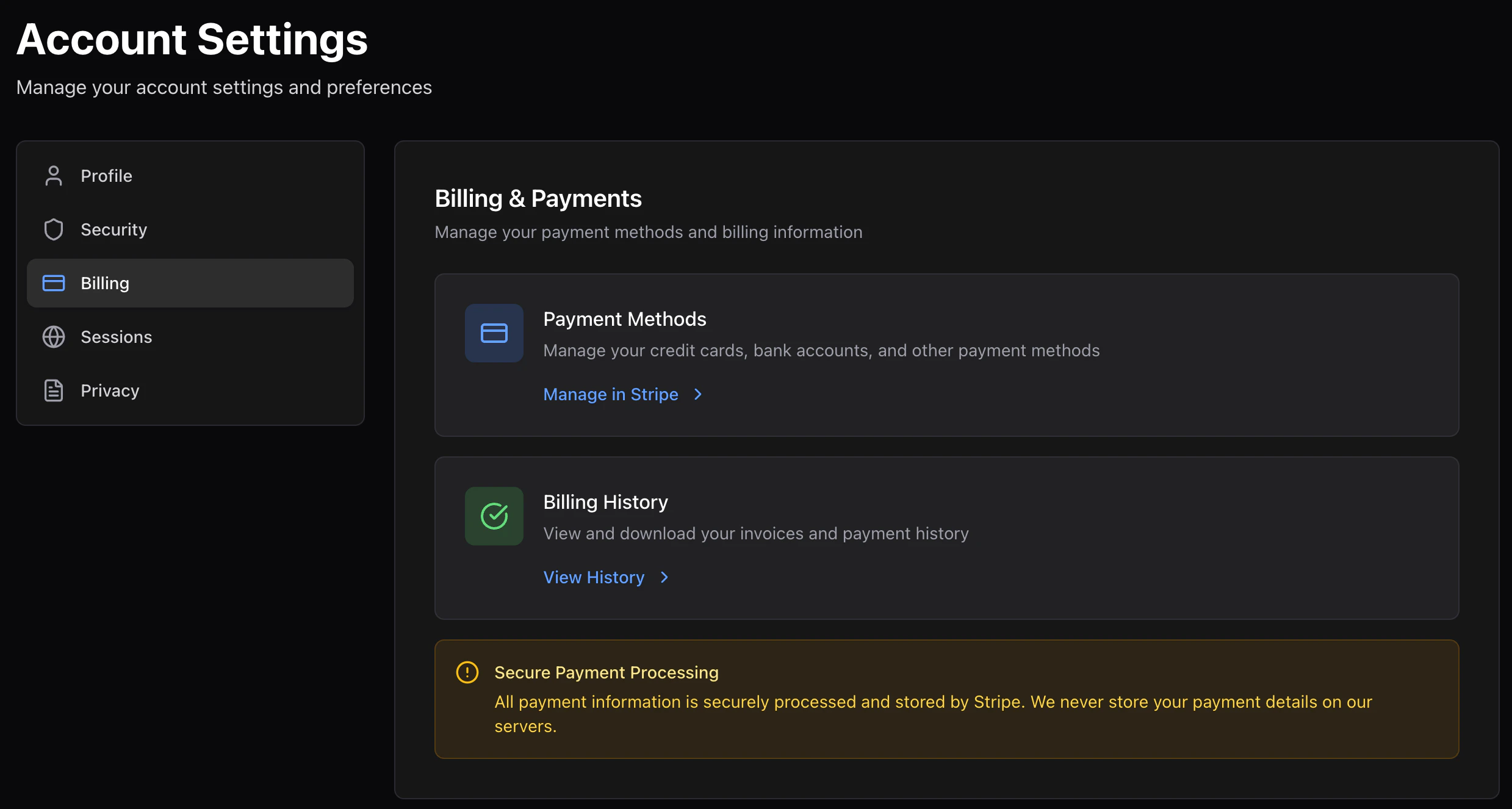
Manage payment methods

Click Manage in Stripe to open the secure Stripe billing portal. From there you can:
  • Add or remove cards
  • Update billing addresses
  • Set a default payment method
  • Download invoices
Time2Bike opens the portal in the same tab; when you’re done, Stripe sends you back to the site.

Purchase history

The billing page also shows your past Time2Bike charges:
  • Race registrations
  • Merch orders
  • Any other one-time purchases
Each row has the date, what you bought, and the total. Click into a row for the line items and receipt PDF.

Refunds

Refunds are handled by the organizer, not by Time2Bike directly. To request one:
  1. Open the relevant event page.
  2. Use the Contact organizer link.
  3. Reference your registration ID (visible on the receipt email).
If the organizer approves, the refund posts to your original payment method through Stripe — usually within 5–10 business days.