time2.bike/account/settings/privacy.
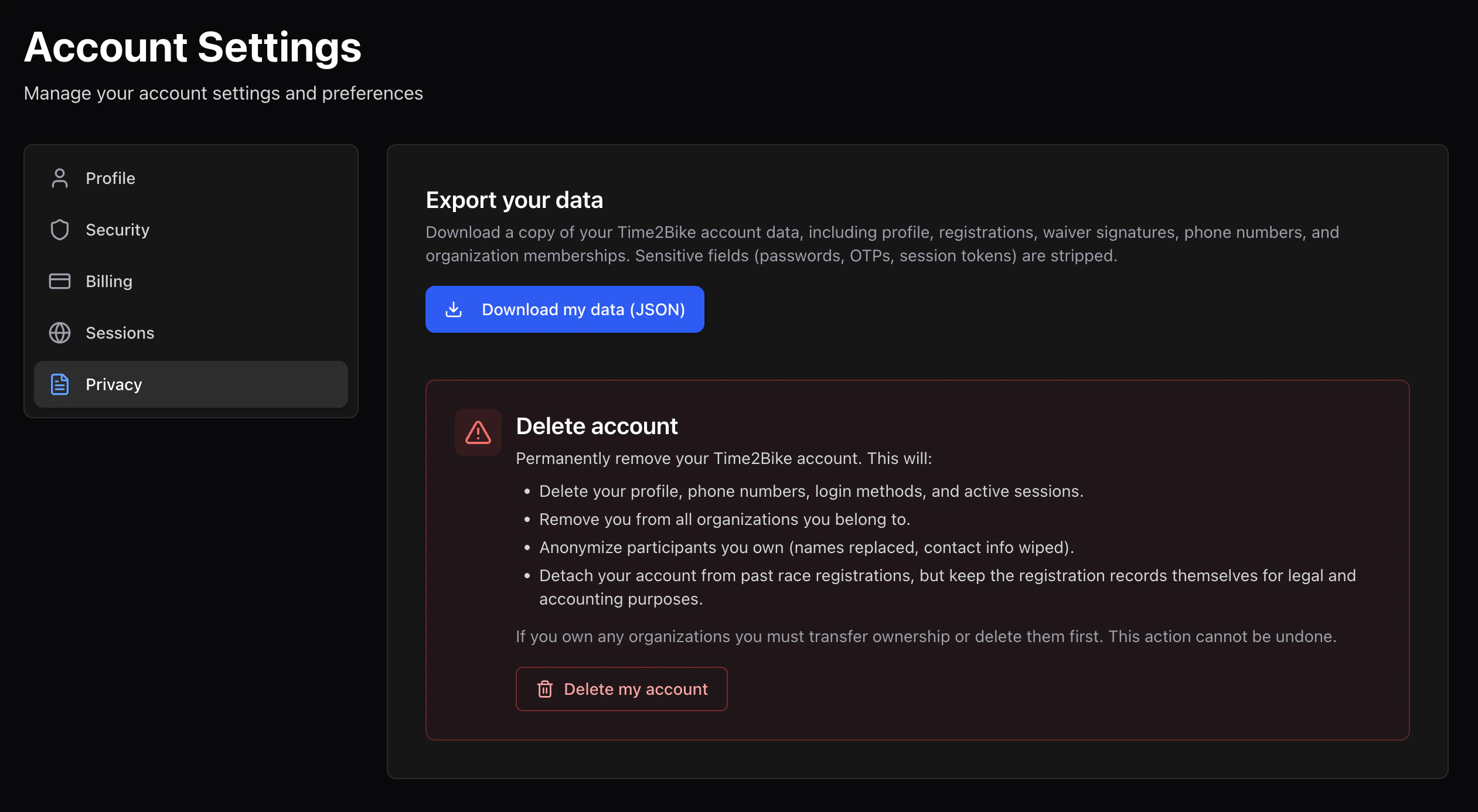
Export your data
Click Download my data to get a JSON export of everything Time2Bike has stored about you:- Account profile
- Participant profiles you own
- Registrations
- Orders
- Waivers you’ve signed (with content hashes)
- Results
time2bike-data-[date].json. It’s a complete
snapshot at the moment of export.
Delete your account
Deleting your account:- Permanently removes your account profile, participant profiles you own, login sessions, MFA devices, and stored payment methods.
- Anonymizes past results — your name is removed from public results pages, but the entries themselves stay (we can’t remove someone from an official archived result).
- Cancels any pending registrations you haven’t started. Already-paid registrations are not auto-refunded; contact the organizer.
1
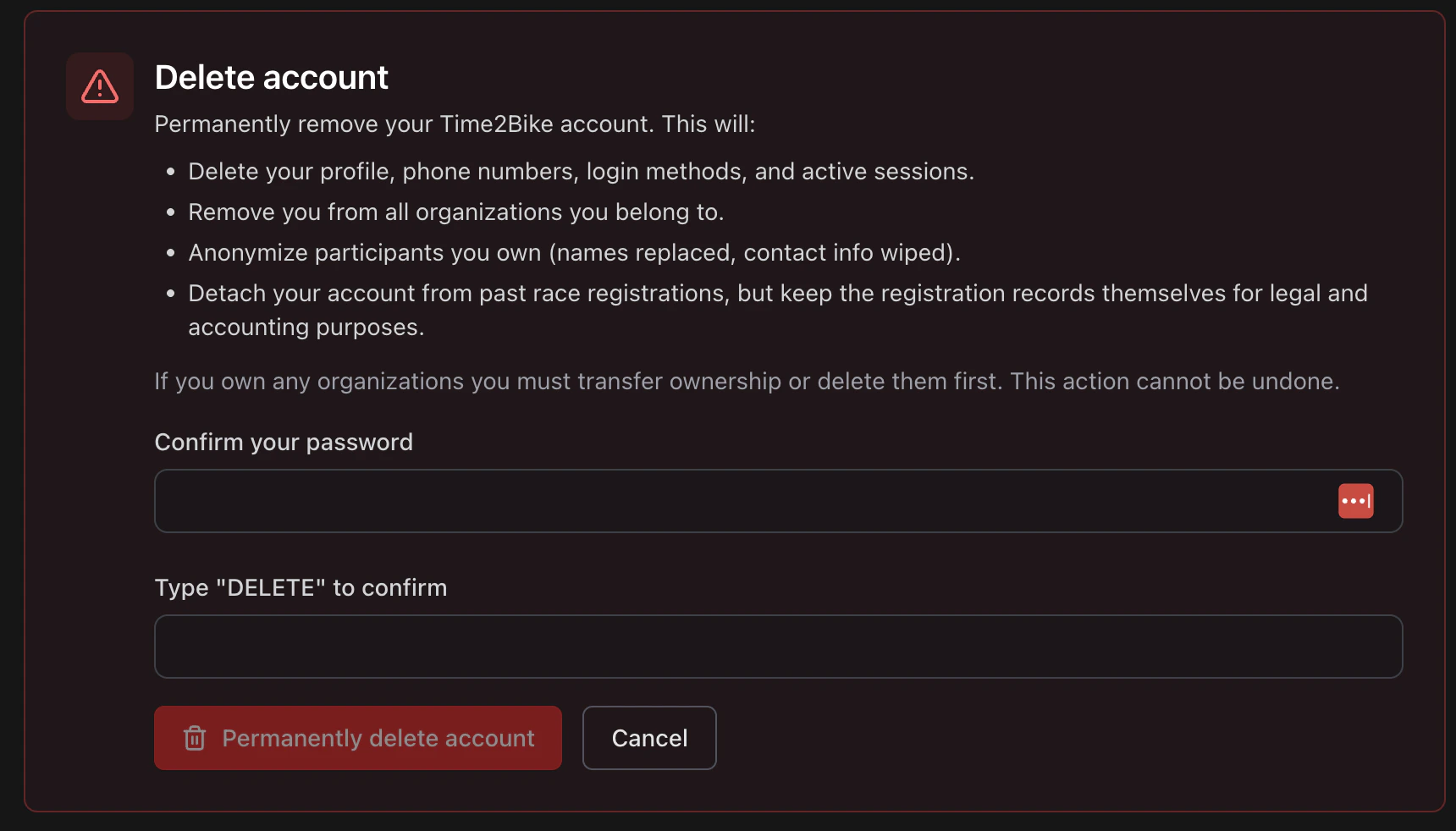
Click Delete account
Open the delete dialog.
2
Type DELETE
Enter the literal word
DELETE in the confirmation box.3
Enter your password
Required to prove it’s really you.
4
Confirm
Time2Bike processes the deletion and signs you out.