Documentation Index

Fetch the complete documentation index at: https://docs.time2.bike/llms.txt

Use this file to discover all available pages before exploring further.

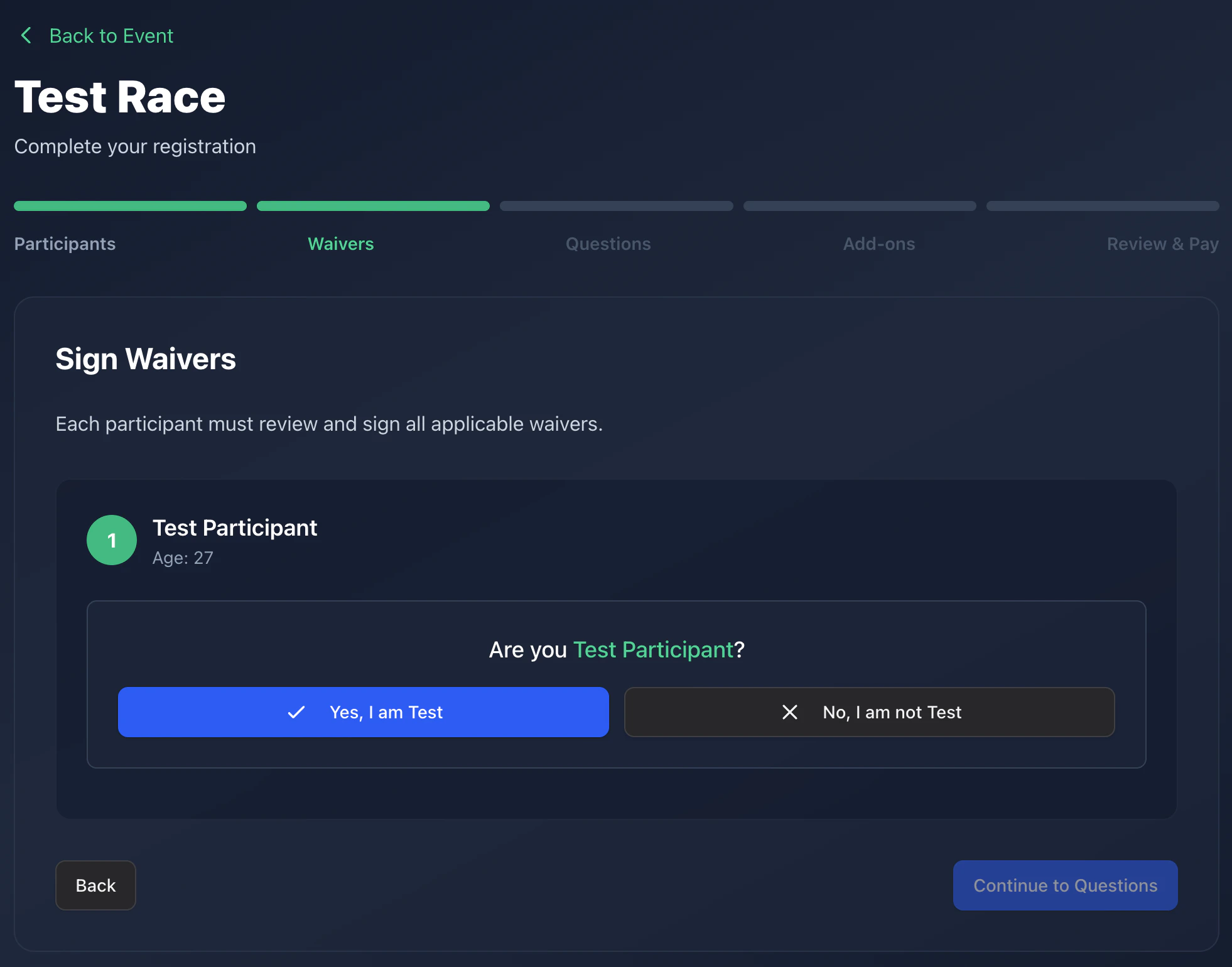
Step 2 of registration is signing waivers. Every race on Time2Bike has at least one waiver attached — typically the organizer’s liability waiver, a venue waiver, or a series-wide waiver. Waiver page

How signing works

For each participant and each waiver:
1

Read the waiver

The full text is visible on the page. Scroll through it.
2

Type your initials

Type your initials in the box. Time2Bike records:
  • Initials you typed
  • Timestamp of signing
  • Hash of the waiver content so the organizer can prove what you signed even if the waiver text changes later
  • The waiver version in effect at signing time
3

Click Sign

The waiver flips to a green ✓ Signed state.
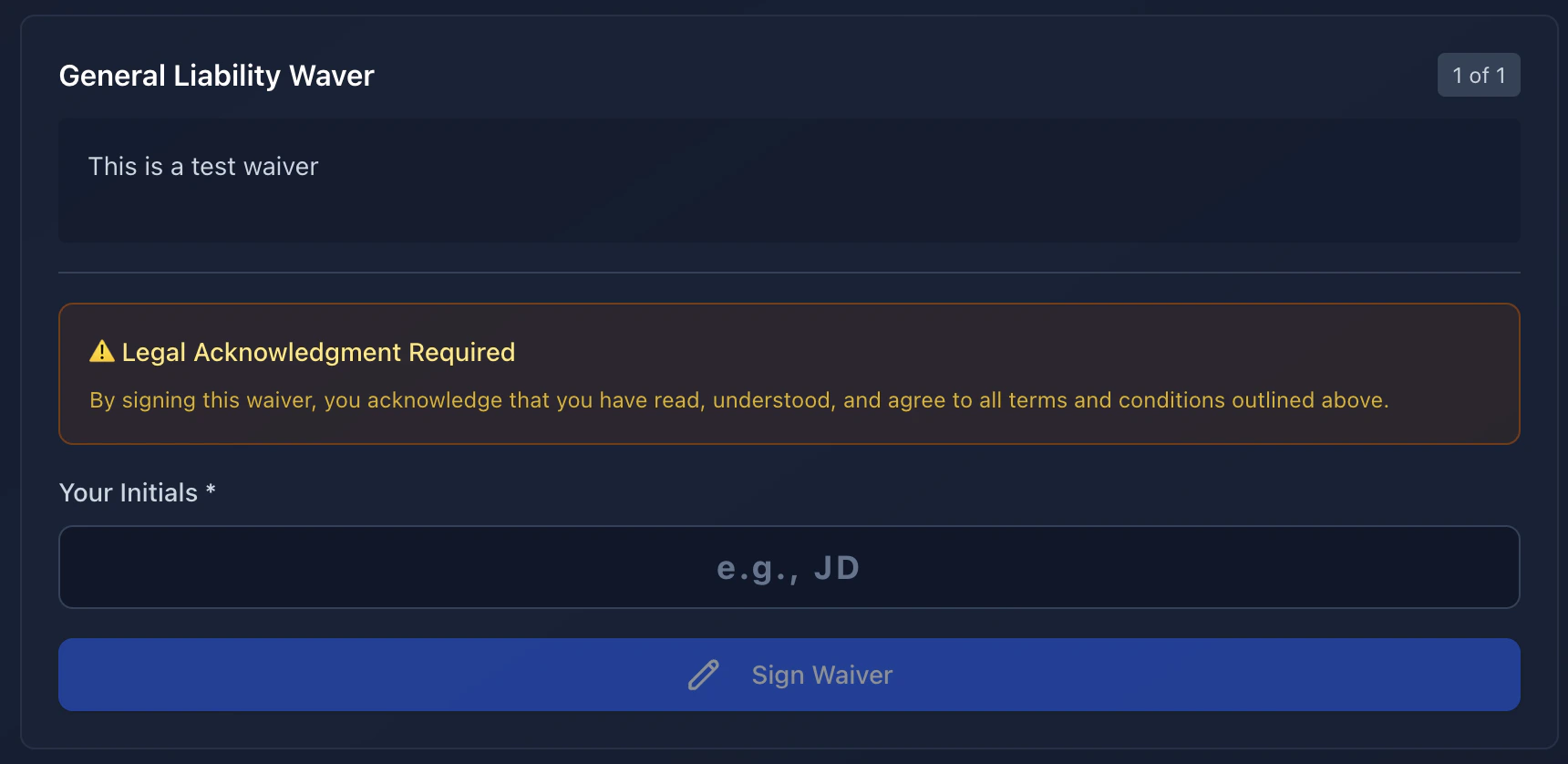
You can’t continue to the next step until every required waiver is signed for every participant. Waiver acceptance

Signing for someone else

If you’re registering a minor or a teammate, you sign on their behalf. The waiver presents a “Are you the participant?” toggle:
  • Yes — recorded as the participant signing themselves.
  • No — recorded as you signing as a parent/guardian or team captain. Your name (the account holder) is captured as the signer.
If a participant is invited (registered by email/phone link), they sign their own waivers from the complete-registration page, not you.

Where to find your signed waivers

After registration, every signed waiver is attached to your registration record. Organizers can view them in their dashboard. You can re-download your account data anytime from Account → Privacy.