

time2.bike/account/settings.
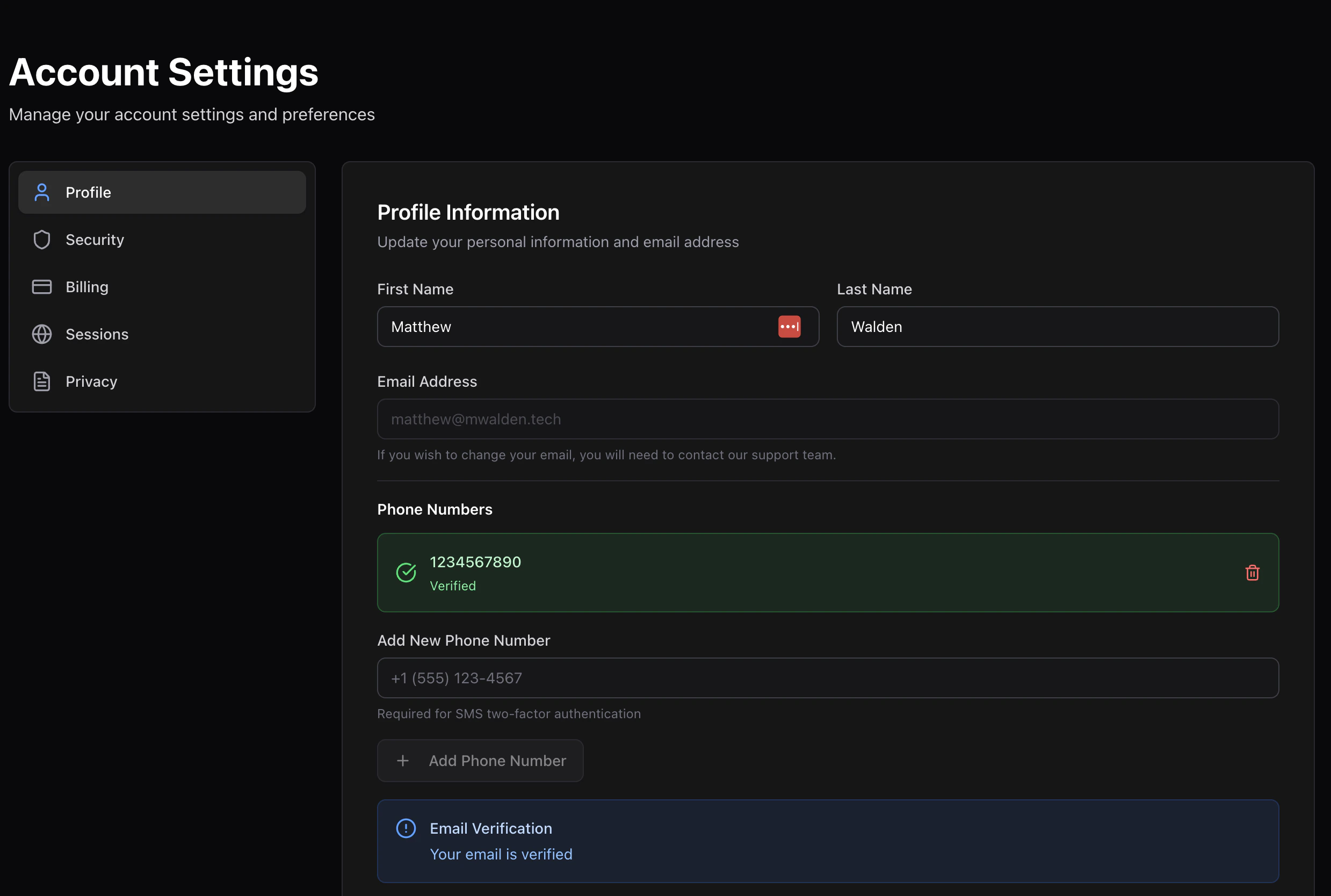
Name and email
- First name and Last name — used on receipts and in dashboards for orgs you belong to. Click Save after editing.
- Email — your sign-in email. Changing it requires verifying the new address before the change takes effect.
Phone numbers
You can add multiple phone numbers to your account. They power:- SMS multi-factor authentication at sign-in
- SMS notifications from organizers (when supported)
- Invite recovery — if someone invites you by phone
Adding a phone
1
Type the number
Enter the phone in E.164 format (e.g.
+15551234567).2
Click Send code
Time2Bike texts a 6-digit code. You have 3 minutes before it
expires.
3
Enter the code
Submit the code to verify. The phone moves to your Verified
phones list.