

Sign in with email and password
1
Open the sign-in page
Go to time2.bike/auth/login, or click
Sign in from the top navigation.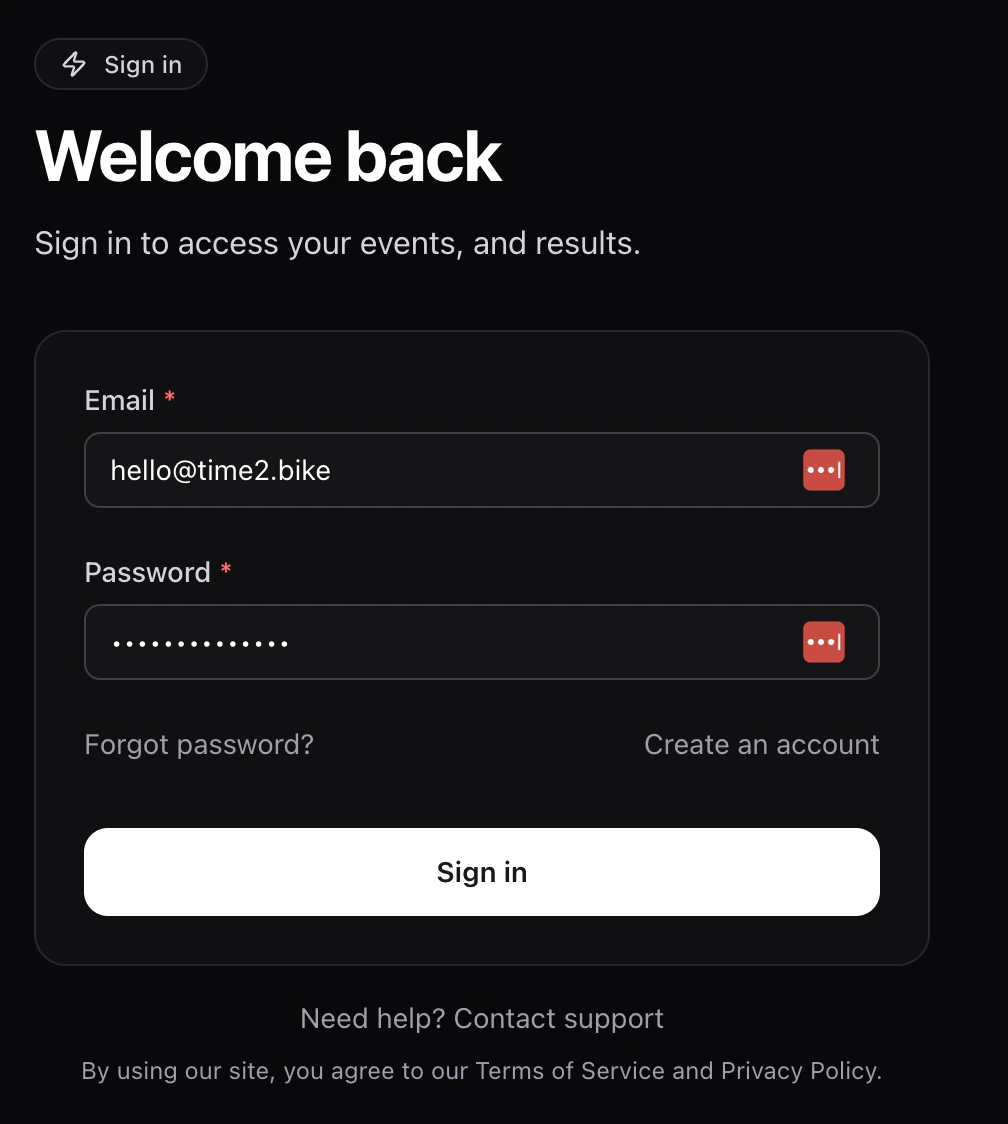
2
Enter your credentials
Type your Email and Password, then click Sign in.
3
(Optional) Complete MFA
If you’ve turned on multi-factor authentication, Time2Bike asks how you
want to receive your one-time code: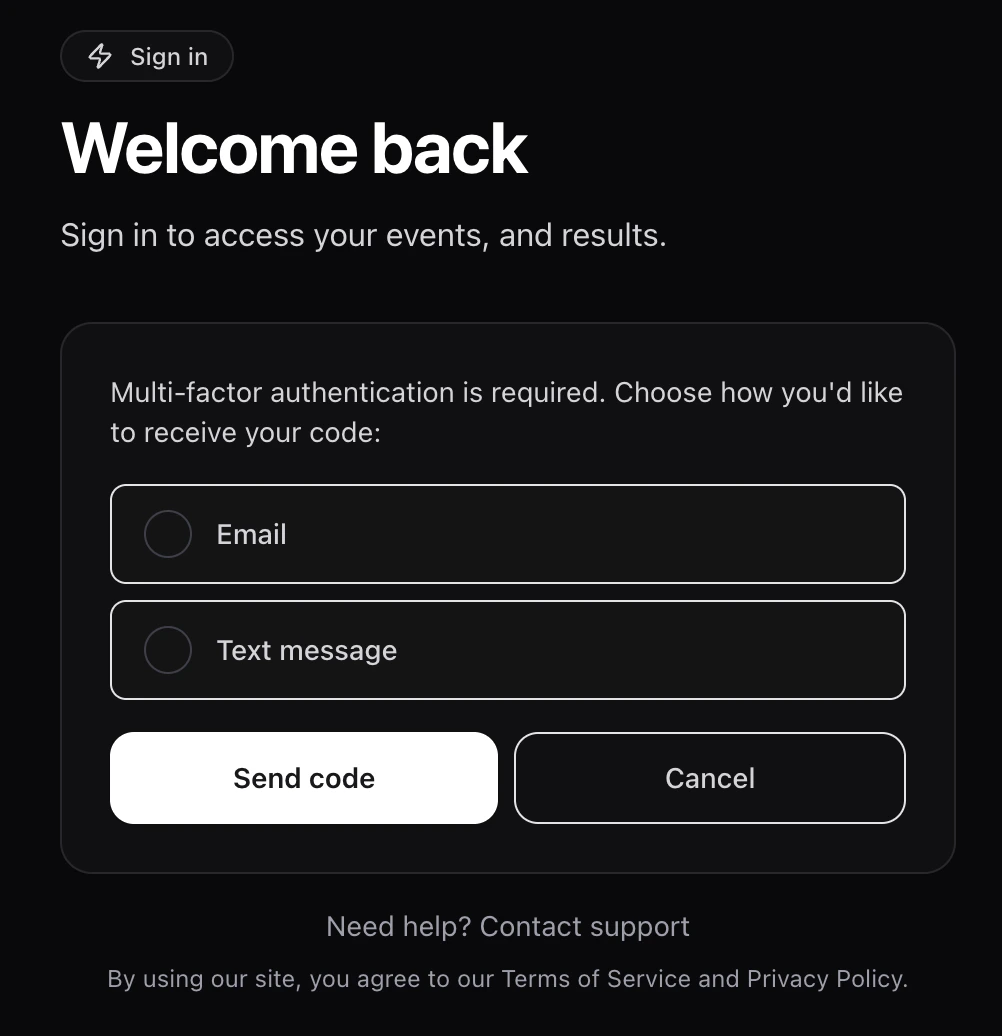
- Text message — sent to the phone number on your account.
- Email — sent to your account email.
Forgot your password?
1
Click Forgot password
On the sign-in page, click Forgot password?.
2
Enter your email
Submit the email on your account. Time2Bike sends a password-reset link
if the address is registered.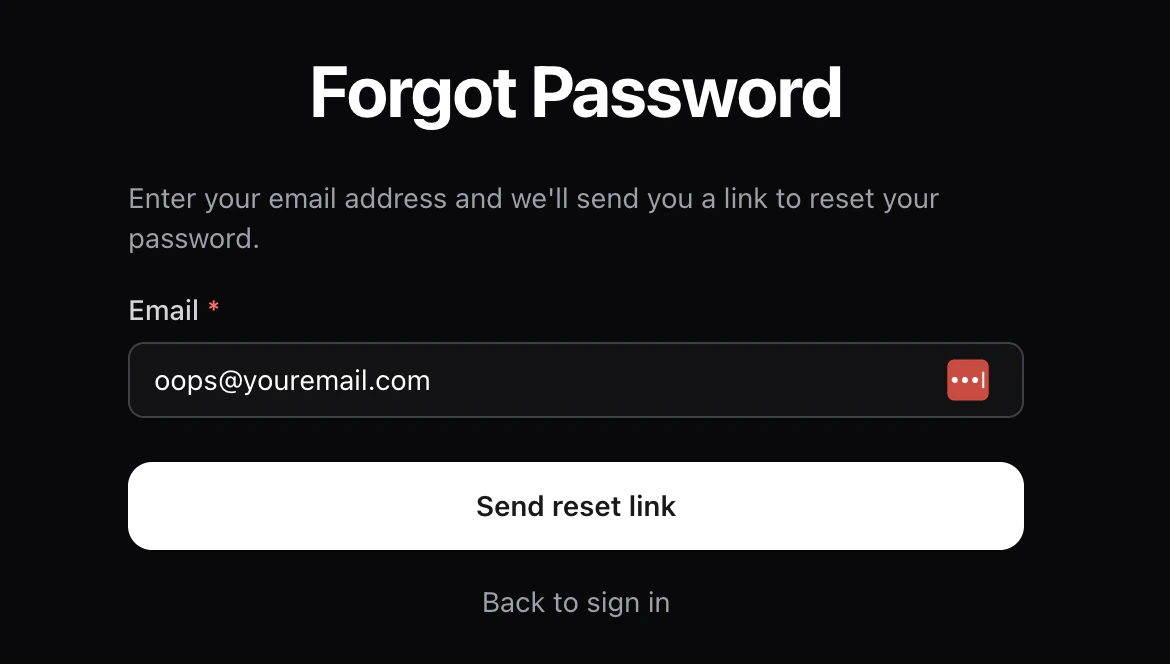
3
Open the email and reset
Click the link in the email — it opens a page where you set a new
password.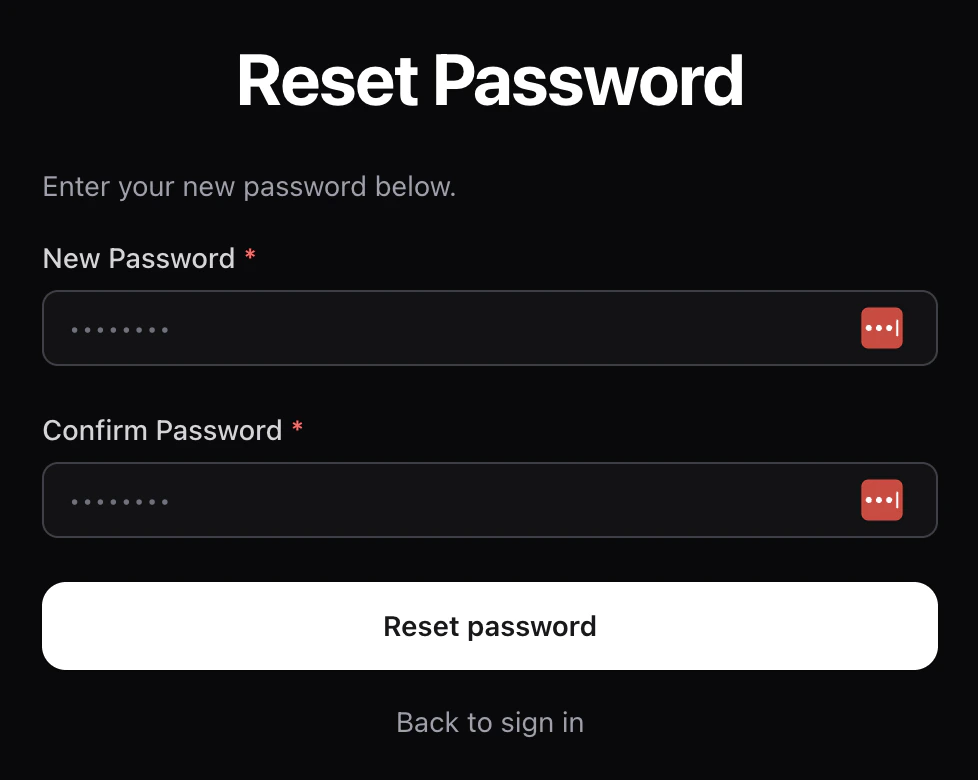
4
Sign in with the new password
Old sessions are signed out automatically after a password change.
Verifying your email
If you didn’t confirm your email when you signed up, click the link in your welcome email or openhttps://time2.bike/auth/verify-email/[code] from the email. After
verification you can sign in normally.
Managing active sessions
You can review every browser and device that’s signed in to your account, and sign them out individually, from Account → Sessions.Trouble signing in?
- “Invalid email or password” — double-check the email; if you have multiple, try them all.
- “MFA code invalid” — codes expire after a few minutes. Click Resend to get a fresh one.
- Stuck on the MFA screen — click Back to return to the password step.
- Still locked out? Email support from the help link at the bottom of the sign-in page.
Next
Find events to register for
Learn how event pages work and how to pick a race.