

time2.bike/profiles/[participantId].
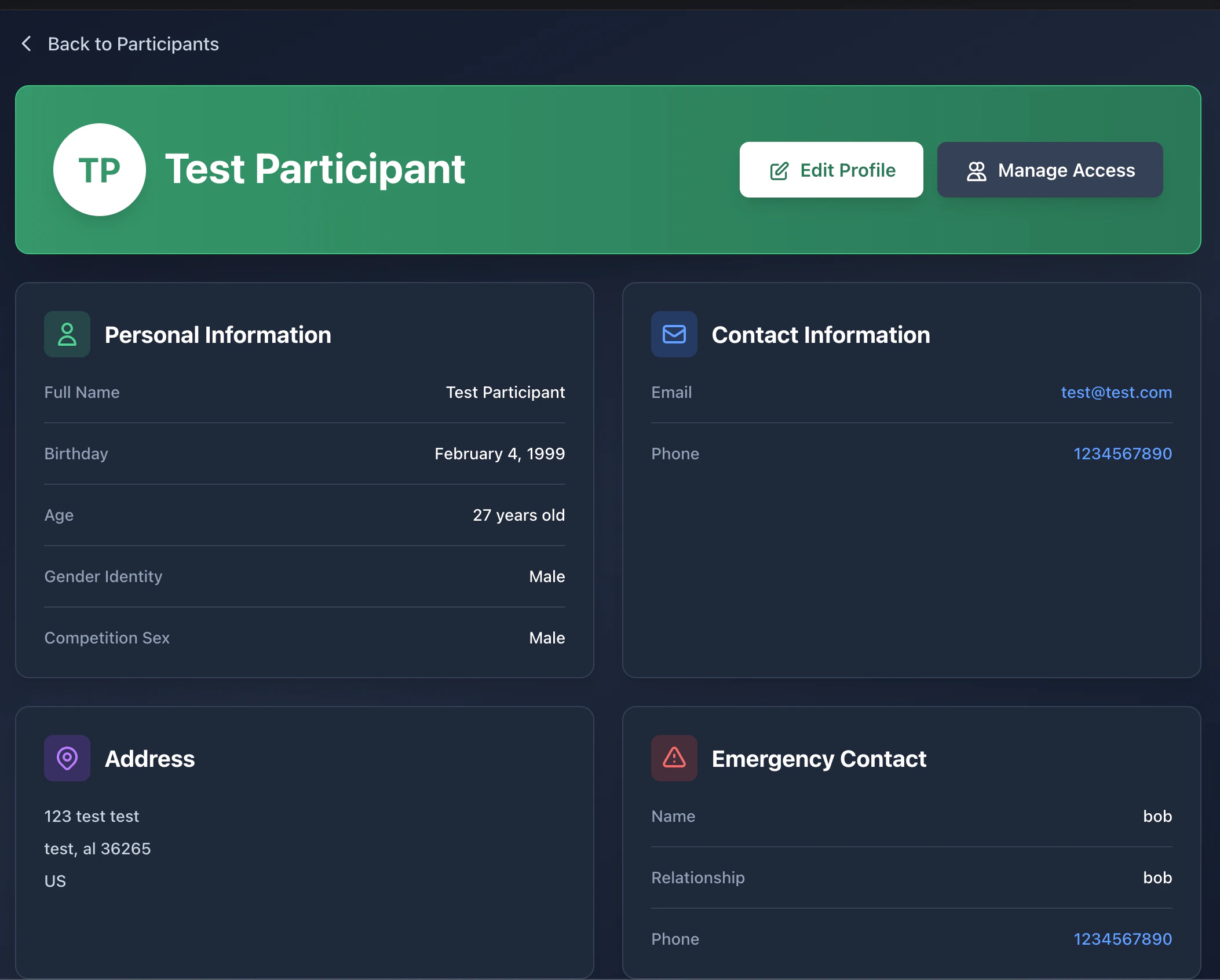
Profile page
The profile page shows:- Name and age (calculated from birthday)
- Hometown and competition gender
- Race history — every event this participant has finished, with elapsed time and rank
- Series standings if they’ve raced a series
- An Edit button (visible only if you can edit) and an Access button (visible only if you’re the owner)
Editing a profile
Click Edit profile to open/profiles/[participantId]/edit. You can
update:
- First / last name
- Date of birth
- Gender
- Address, emergency contact
- Team affiliation
- Any optional fields the organizer asks for
Sharing access to a profile
Use the Access page (/profiles/[participantId]/access) to let
someone else view or manage a participant. Common cases:
- A parent grants the other parent manager access to their kid.
- A team captain grants a coach viewer access to teammates.
Roles
Owners always have all permissions and can never be removed by anyone
else.
Inviting someone
1
Open the Access page
Click Manage access on the profile.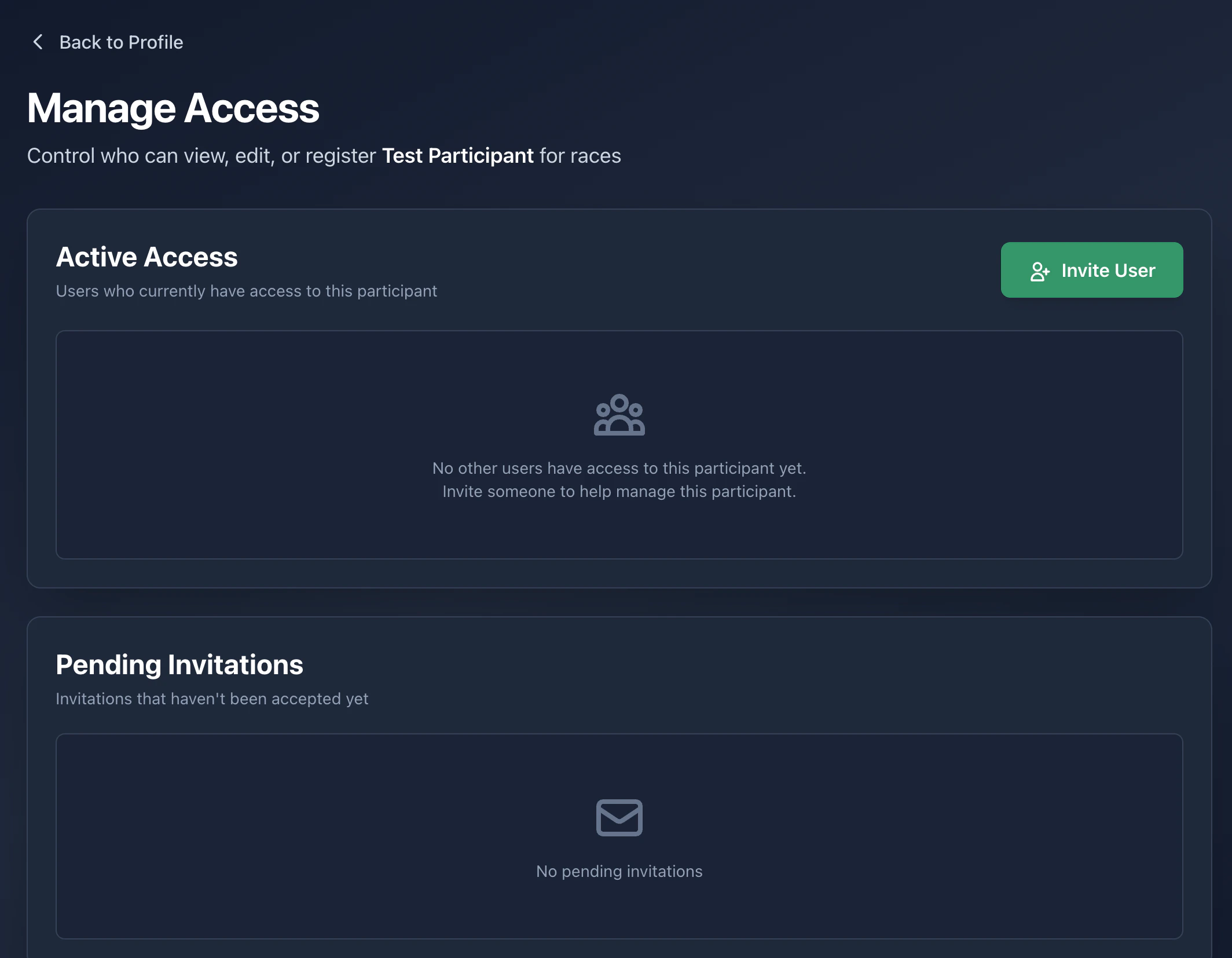
2
Enter their email and pick a role
Send the invite. They get an email link.
3
They accept
Once they accept, they show up in the Managers list. Revoke any
time with the trash icon.
My participants list
Your full participant list lives attime2.bike/profiles. From there you
can:
- Open any profile
- Create a new participant
- See which profiles you own vs. ones you only have access to