

Sign up
1
Go to the sign-up page
Visit time2.bike/auth/register, or
click Sign up on any event page when prompted to register.
2
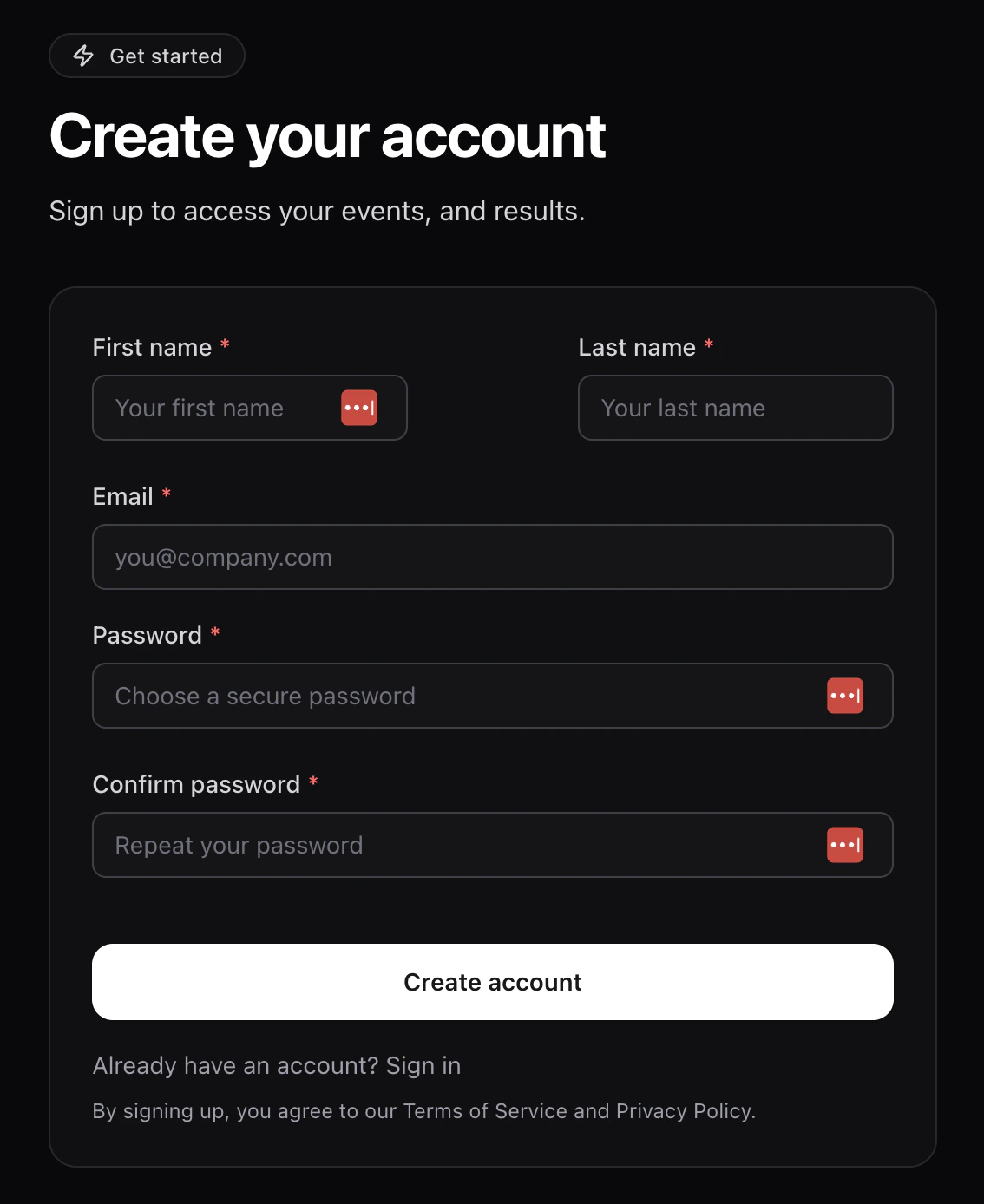
Fill in your details
Enter:
- First name and Last name — use your legal name; it’s used on start lists and results.
- Email — where waivers, receipts, and event updates are sent.
-
Password and Confirm password — pick something you’ll
remember; you’ll use it every time you sign in.
3
Click Create account
Time2Bike emails you a confirmation link.
4
Confirm your email
Open the email from Time2Bike and click the verification link. Your
account isn’t active until you do this — you can’t register for an
event with an unconfirmed email.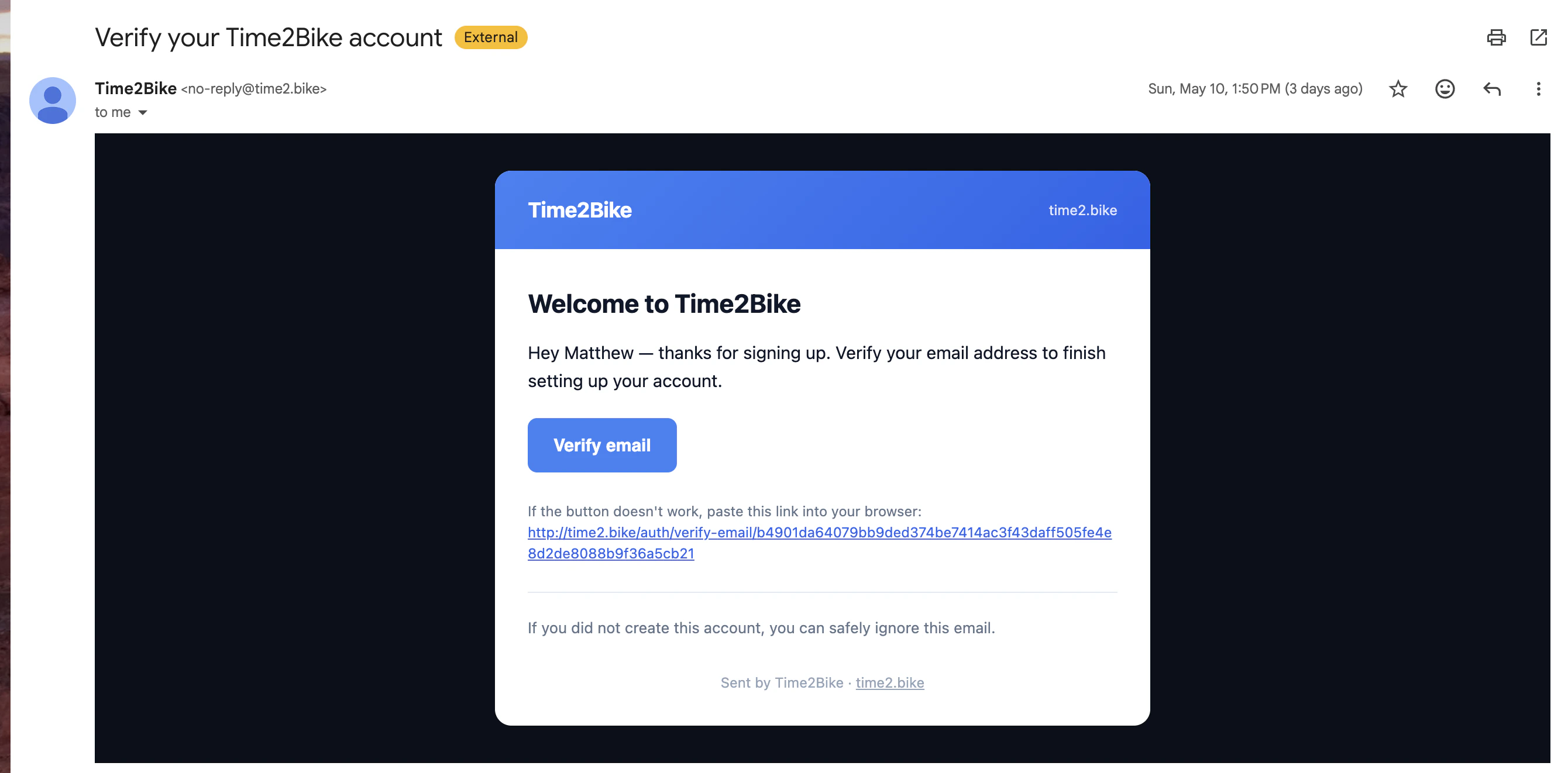
5
Sign in
After confirming, click Login and sign in.
Signing up from an invite
If an organization invited you (for example, a team owner adding you to a team), the sign-up link includes the invite. After you confirm your email, the page shows an Accept Invitation button that takes you straight into the org or team. See Accepting an invite for details.Didn’t get the confirmation email?
- Check spam / promotions.
- Make sure you typed your email correctly. If not, sign up again with the right address.
- Still nothing after a few minutes? Try Forgot password with the email you used — that re-sends a verification flow.
Next
Sign in
Already have an account? Sign in to start registering for events.