
Documentation Index

Fetch the complete documentation index at: https://docs.time2.bike/llms.txt

Use this file to discover all available pages before exploring further.

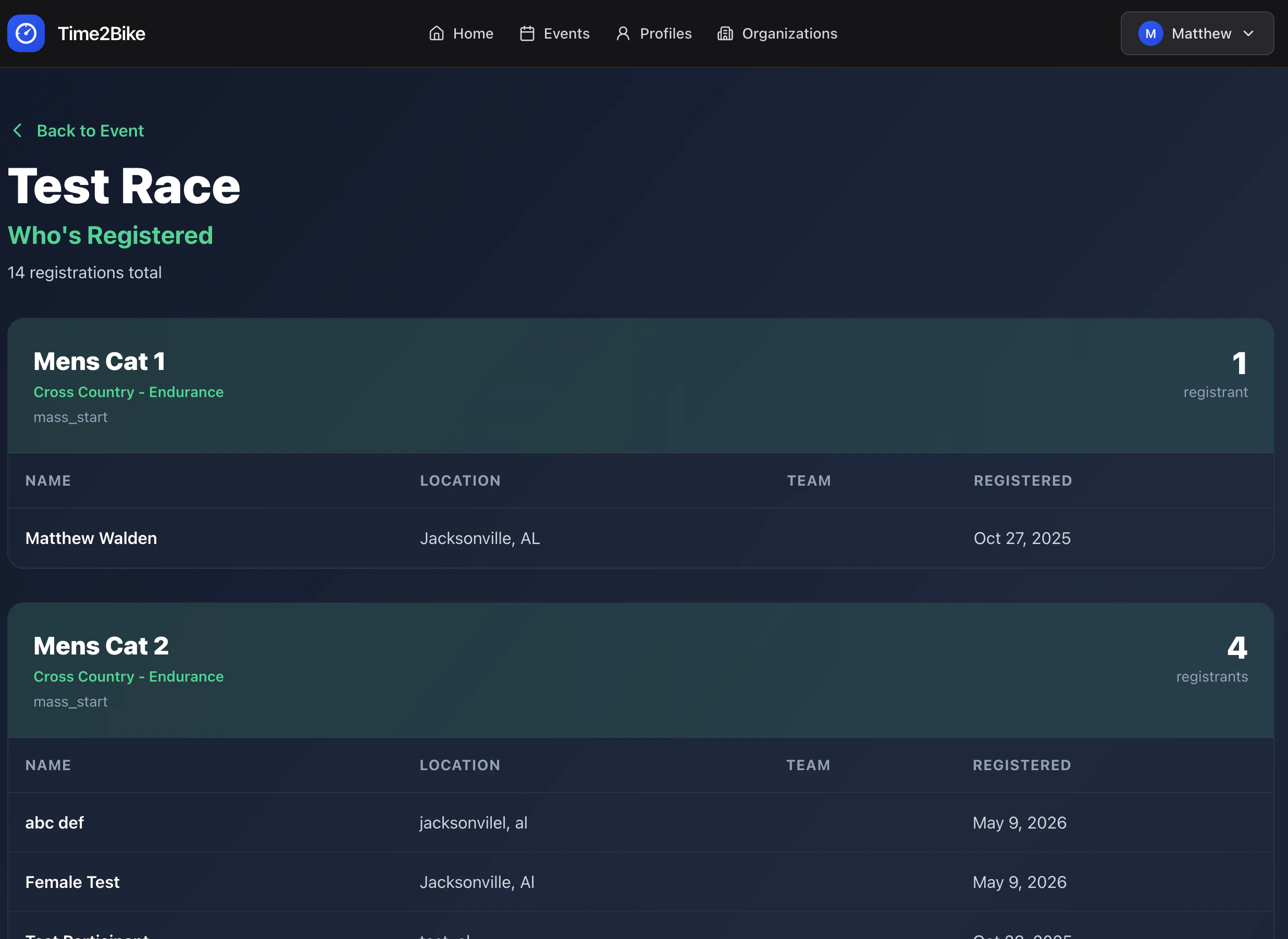
Every event has a public start list at time2.bike/events/[slug]/registrations. It shows who’s registered, grouped by race. Whos Registered Page
What you see

For each race:
  • Race name, category, and start time
  • A count of how many riders are registered
  • A table of riders: first name, last name, city, state, team (if any)
Email addresses, phone numbers, and birthdays are not public.

Your row

After you complete registration, your name should appear on the start list within a few seconds. If it doesn’t:
  1. Refresh the page.
  2. Check your email for the receipt — if you got one, you’re registered.
  3. Make sure you completed the Review & Pay step (clicking back from Stripe without paying doesn’t register you).

Invited riders

If you invited a rider during registration, their row shows up as soon as they claim their invite by signing waivers and picking a participant. Until then, the spot is held but not displayed.

Privacy

Organizers can choose to hide the public start list entirely. If the page shows “Registrations are private”, only the organizer can see who’s signed up.