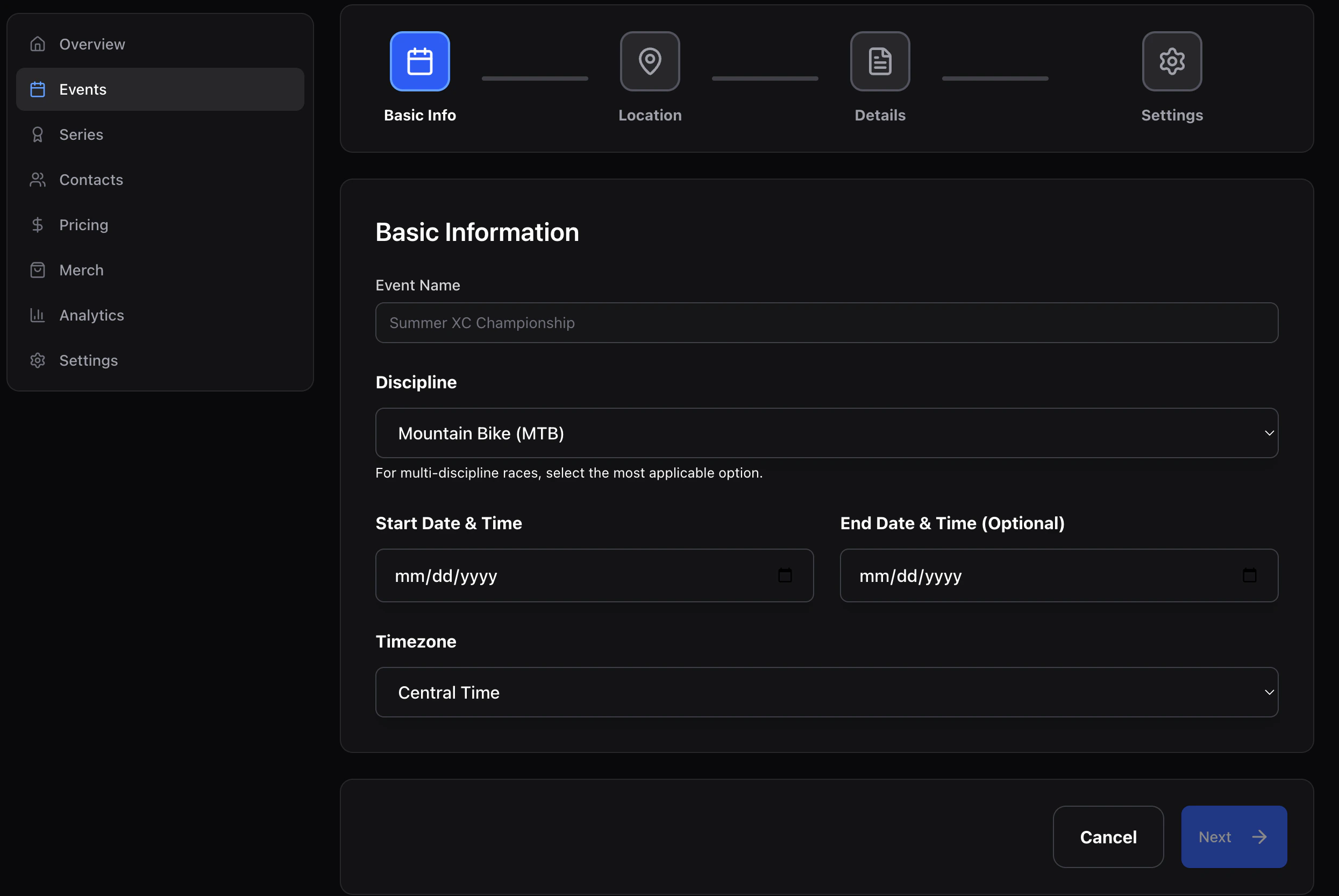
1. Basic info
2. Location
Venue name + street address (line 1/2, city, state, postal code, country). This powers the address line and map embed on the public page.3. Details
- Description — short summary for the landing page hero.
- Website — optional outbound link.
- Mobile number — for race-day contact (not shown publicly unless you add it to the landing page).
- Notes — internal-only.
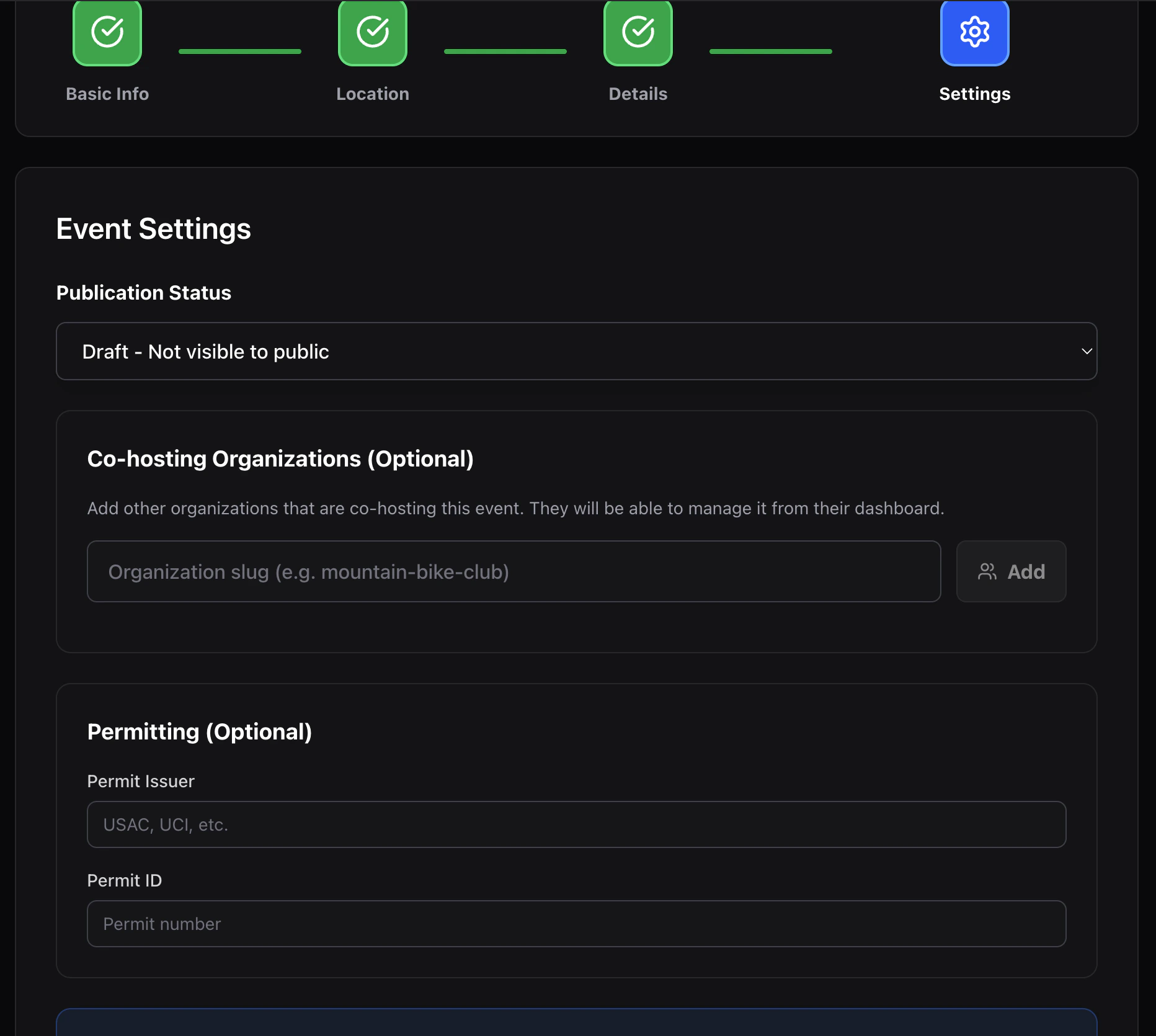
4. Settings
- Status —
draft(only org members see it) orpublished(live). - Permit issuer / ID — optional metadata for sanctioned races.
- Collaborating organizations — paste another org’s slug to grant them editor access to this event. Useful for joint promotions and shared series.