

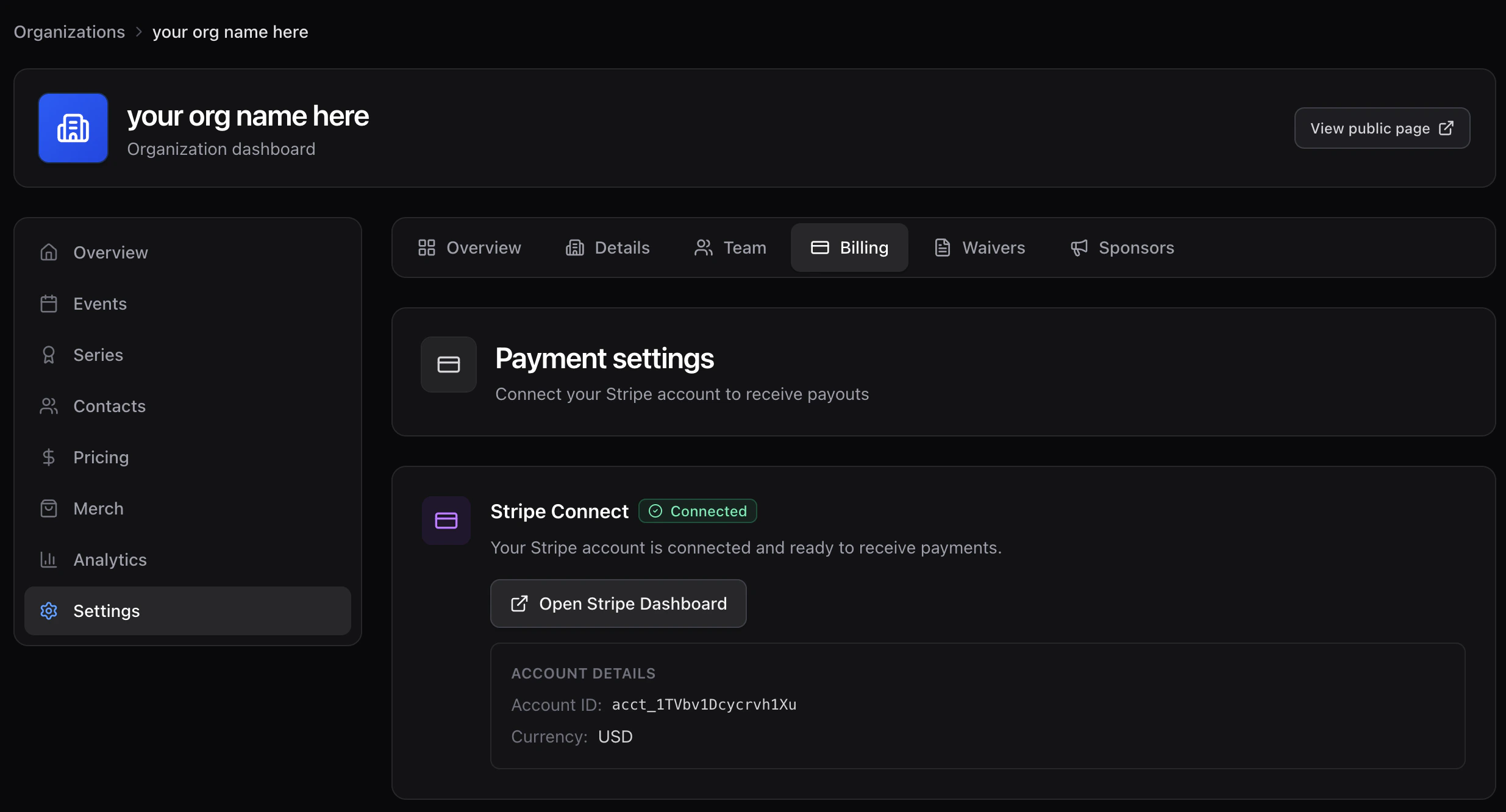
Connect your Stripe account
- Open Settings → Billing.
- Click Connect Stripe.
- Complete Stripe’s onboarding (business info, bank account, identity verification).
- You return to Time2Bike connected and ready to publish paid events.
After connecting
- Open Stripe dashboard opens your Stripe Express dashboard in a new tab for payouts, statements, and tax docs.
- Every paid registration becomes a charge on your connected account.
- Refunds are issued by Time2Bike against the original charge — see Refunds.
- A small platform service fee is added on top of every rider’s order (it’s listed as Service fee on the rider’s receipt) and does not come out of your payout.