

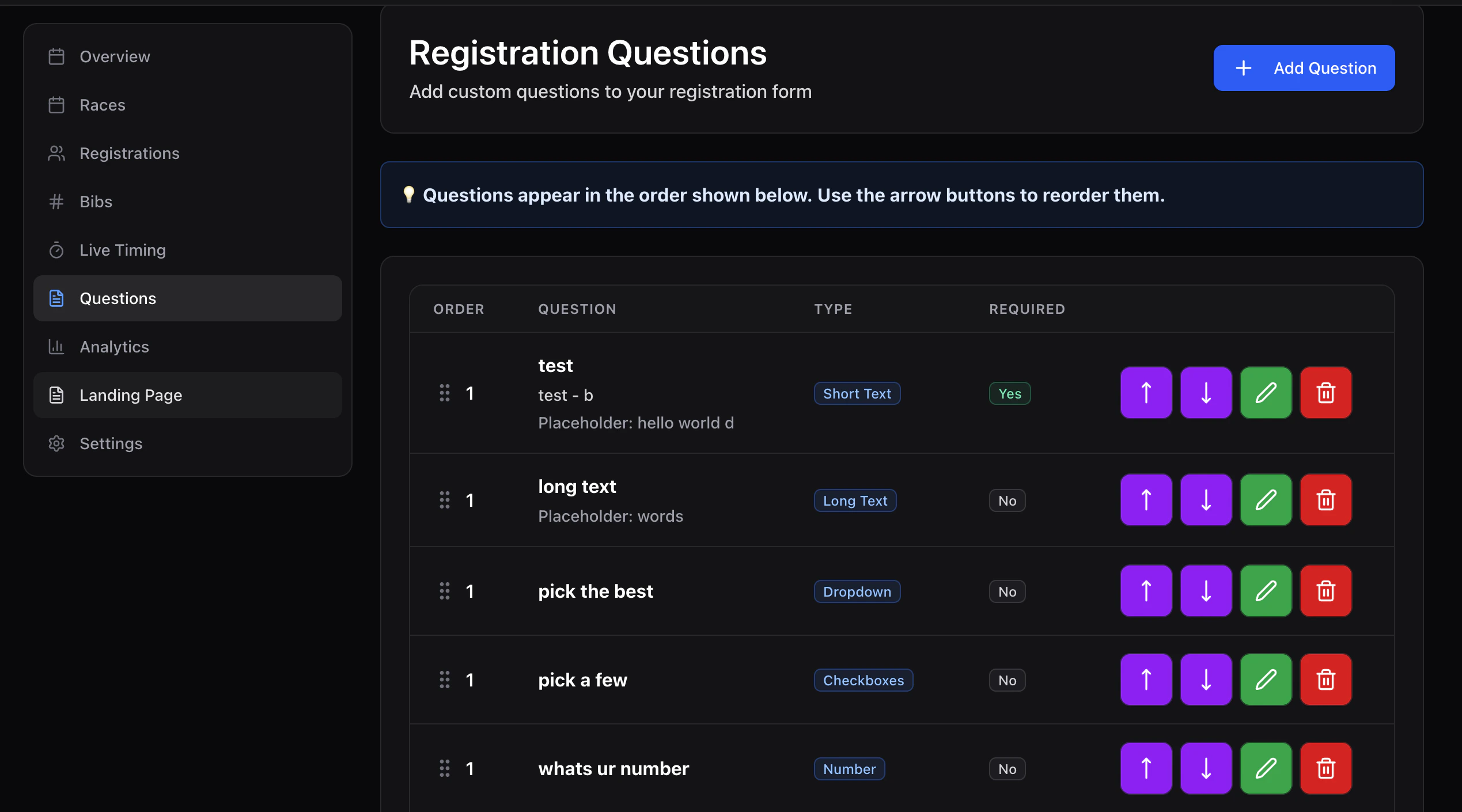
Supported types
Add a question
Click New question and fill in:- Text — the prompt riders see.
- Description — optional helper text under the prompt.
- Type — see above.
- Required — toggle to block checkout until answered.
- Placeholder — hint text inside the input.
- Options — for
selectandradio, one per row.
Order
Drag the handle on each row to reorder. Order is preserved on the rider’s registration screen.!!-IMAGE-NEEDED-!! — /events/[slug]/register → Questions step rendering a select and a checkbox