

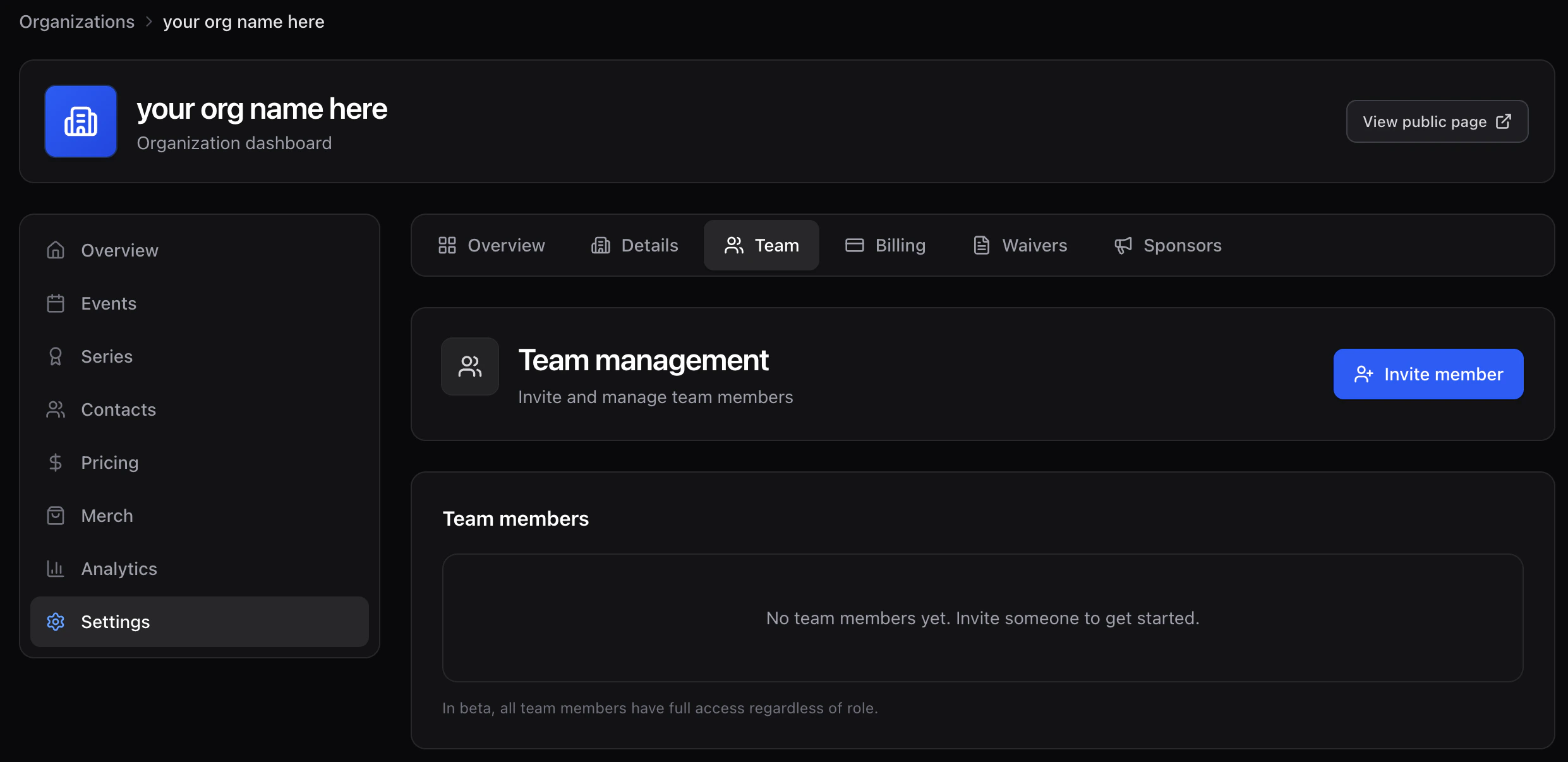
Invite a teammate
- Click Invite member.
- Enter their email and pick a role:
- Viewer — read-only access to org data.
- Timer — manage bib assignments and race timing.
- Finance — manage billing and payouts.
- Manager — create and edit events, races, pricing, and merch.
- Admin — full access.
- Click Send invitation.
Manage existing members
- Remove member revokes access. They keep their personal Time2Bike account, but lose this org.
- Revoke invite cancels a pending invite. Resend by inviting again.
- Resend invite re-sends the email to someone who lost the link.