

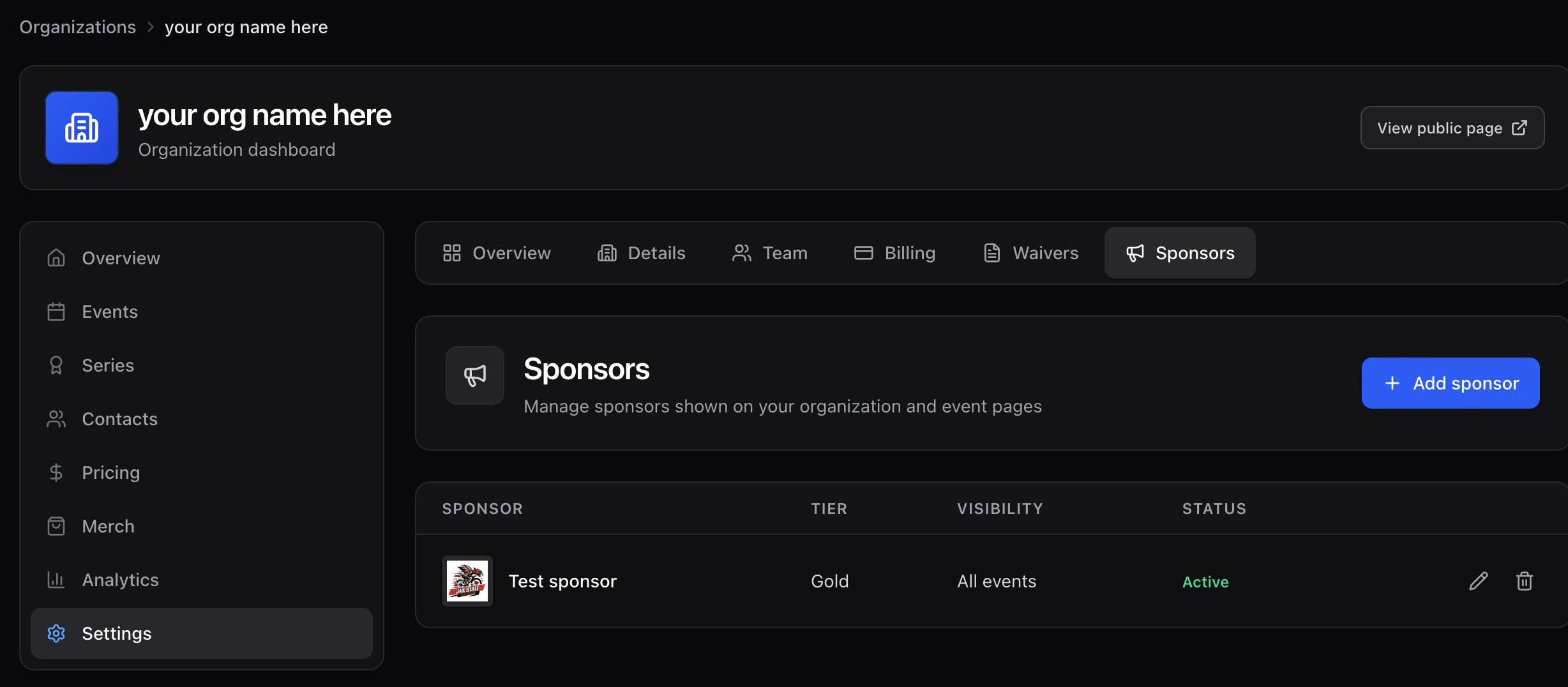
Add a sponsor
- Click Add sponsor.
- Fill in name, website, and upload a logo (PNG with transparency preferred).
- Pick visibility:
- All events — appears on every event page and your org page.
- Specific events — choose events from a multiselect.
- Org only — appears on your public org page, not on event pages.
- Toggle active off to temporarily hide without deleting.