Documentation Index

Fetch the complete documentation index at: https://docs.time2.bike/llms.txt

Use this file to discover all available pages before exploring further.

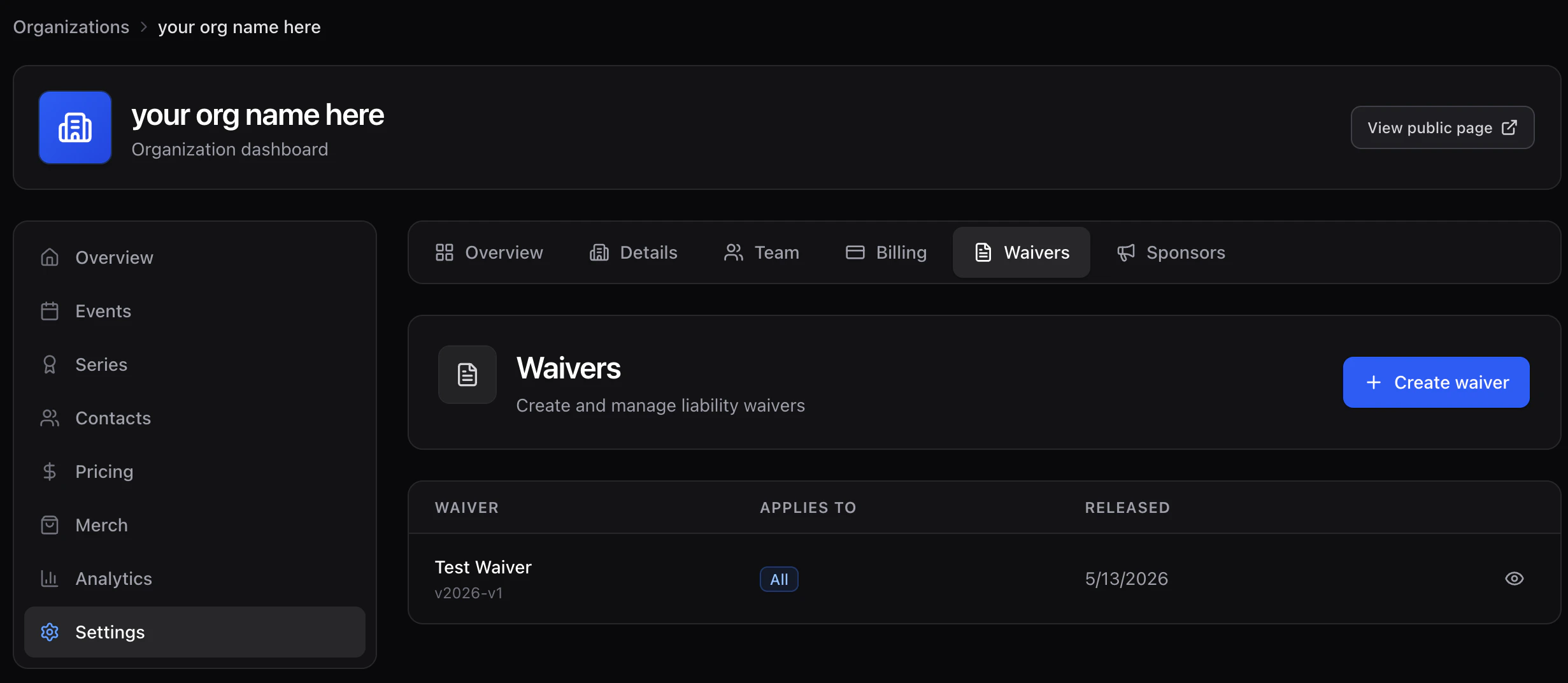
Waivers live at the organization level so you can author once and attach to any race in any event. Settings → Waivers. Waivers settings page

Create a waiver

  1. Click New waiver.
  2. Set:
    • Title — what riders see.
    • Version — free-form string (e.g. 2025.1). Each signed waiver records the exact version the rider agreed to.
    • Applies toadult, minor, or all. Minor waivers prompt the rider for a parent/guardian signature.
    • Content — markdown body of the waiver.
  3. Save.
Once attached to a race, riders sign during checkout (see Waivers) and the signature, timestamp, IP, and content hash are stored.

Versioning

Editing a waiver creates a new version. Existing signatures continue to point at the version that was active when they signed — your audit trail is preserved. Attach waivers to races from the race’s Waivers tab (see Race waivers).